DeleteE
Deletes the selected elements from the model.
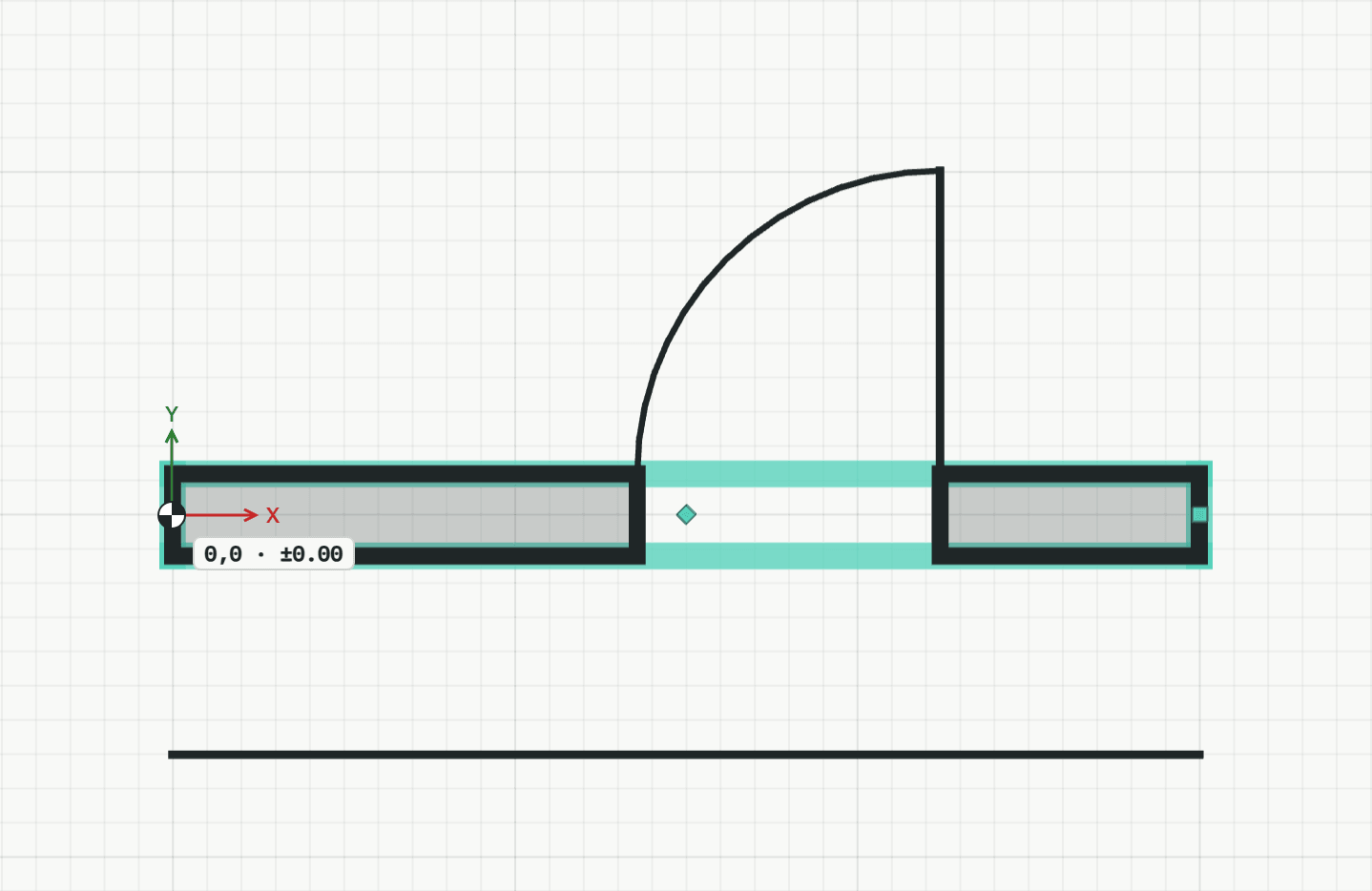
How it works
- Select what should go: click an element, Shift+click to add more, or drag a window (left to right) or crossing selection (right to left).
- Press Delete, type E and Enter, or click the button.
Keys
- Type E, then Enter
- Shortcut: Delete