ArcA
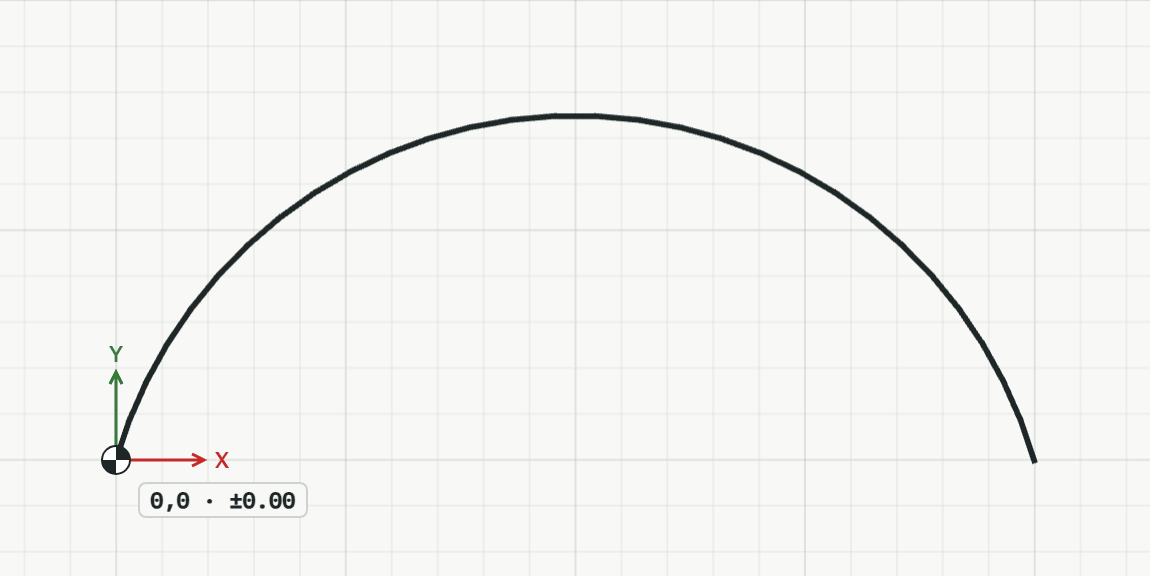
Draws an arc through three points: where it starts, a point it passes through, and where it ends.
How it works
- Click the start point, or type it as x,y.
- Click a point the arc passes through, or type it. It sets how far the arc bulges.
- Click the end point, or type it, for example @dx,dy from the point before. The arc is drawn, and the tool waits for the start point of the next one.
Keys
- Type A, then Enter