Detail calloutDT
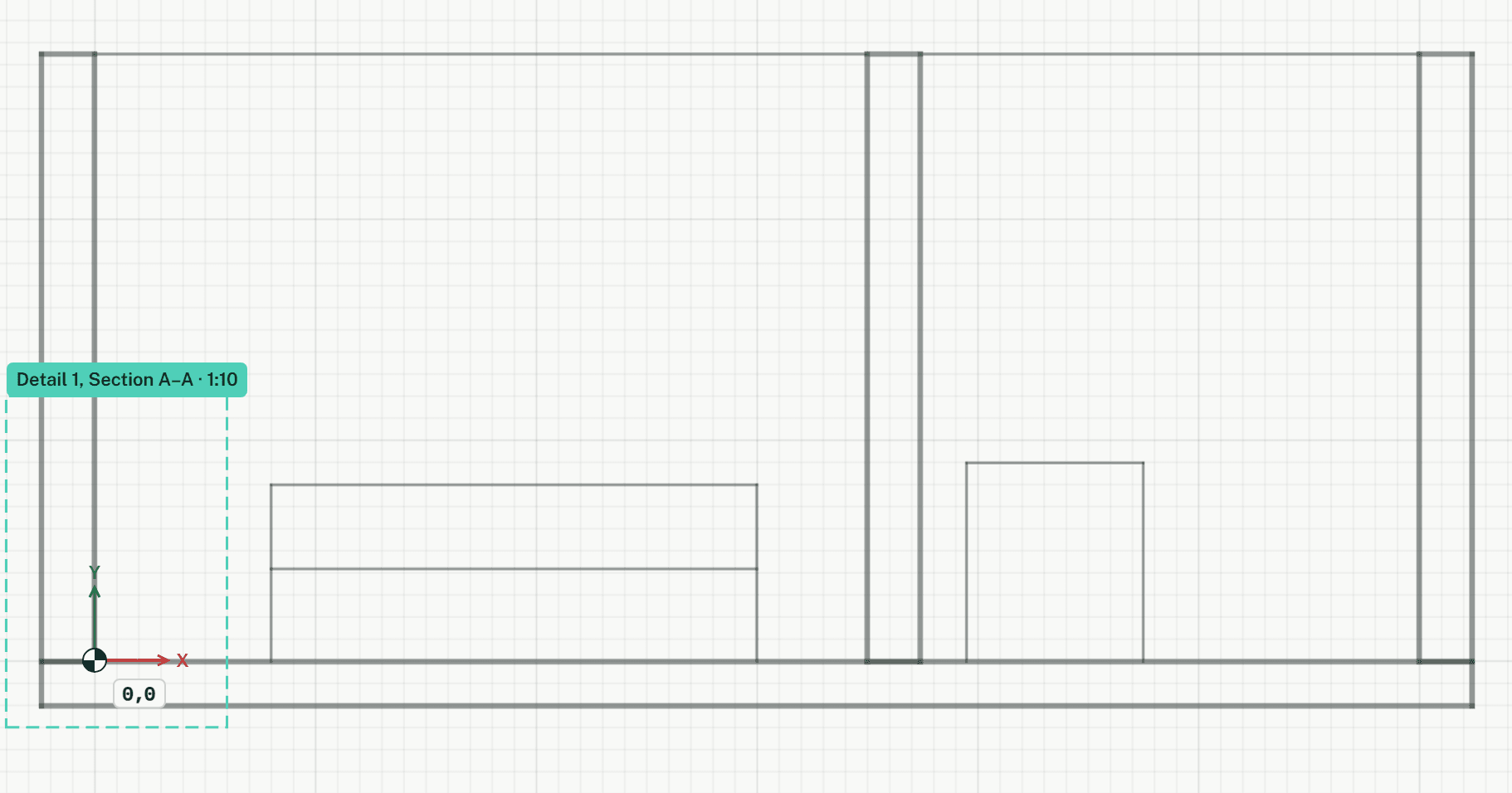
Frames an area of a section or of a plan to show it again as a detail at a larger scale. After the second corner you give the detail a title and a scale, and it opens as a drawing of its own. A plan's detail shows in place where the plan is drawn at fine detail.
How it works
- Click the first corner of the frame, or type it as x,y.
- Click the opposite corner, or type it as @dx,dy from the first. Then a form asks for the detail's title and scale.
Keys
- Type DT, then Enter