Level markHK
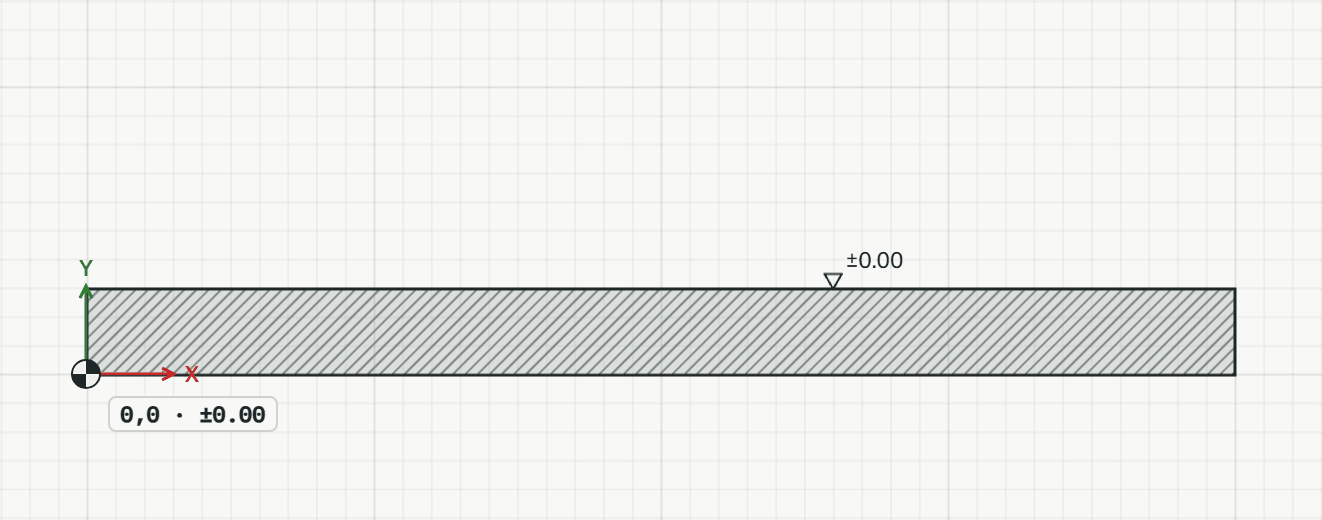
Places a level mark (Höhenkote): a triangle on a line and the height in metres. In a drawing on a cut it shows the height where it sits, in a plan its storey's level.
How it works
- Click where the level is, here the slab's top: it shows ±0.00.
- Each further click places another, here typed at the wall's top.
Options
Set on the command line while the tool runs; each starts with the value shown, and what you set is kept for the rest of the session.
- Finished level
- on
Keys
- Type HK, then Enter