LineL
Draws straight lines in a chain. Each segment is a line of its own, starting where the one before ended.
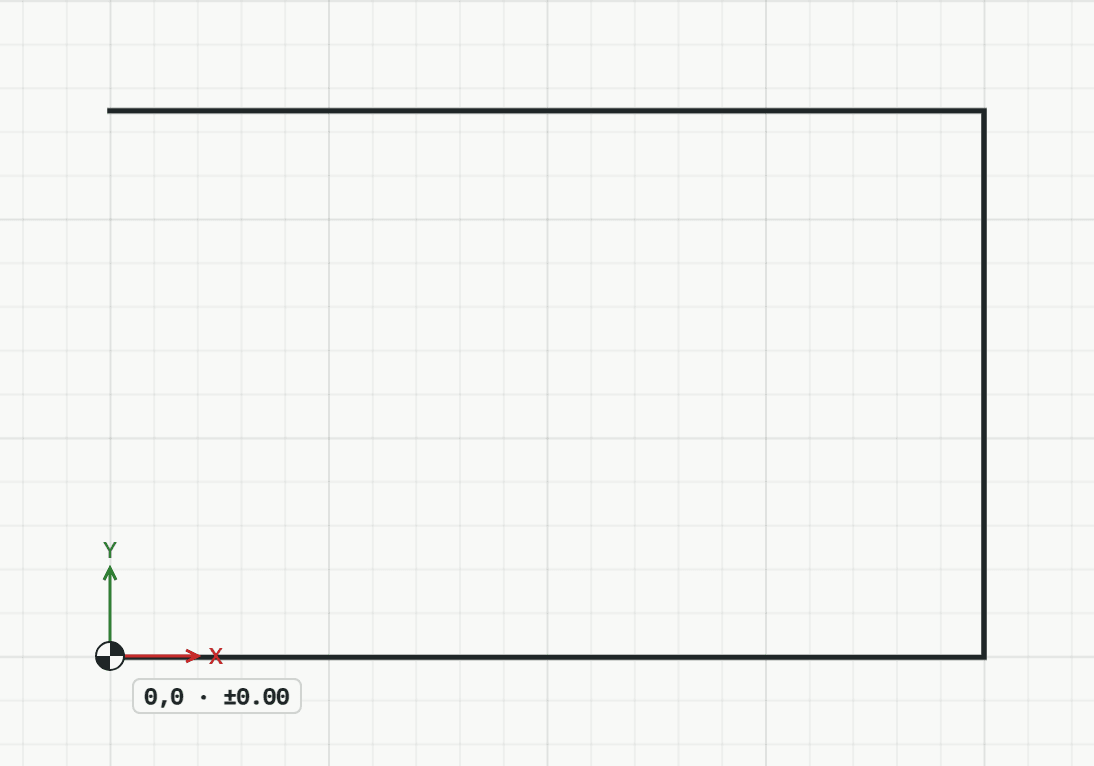
How it works
- Click the start point, or type it as x,y.
- Click the next point, or type it: a length draws that far towards the pointer, @dx,dy goes from the last point, @length<angle in a direction. The tool goes on from each end point.
- Press Enter or Esc to end the chain. The tool stays on for a new first point; press Enter or Esc again to leave it.
Keys
- Type L, then Enter