Masking regionMK
Draws a masking region: an area in the paper's colour that covers the hatches and build-ups under it, and in a drawing the reference layers. Your own lines, parts, dimensions and text stay on top.
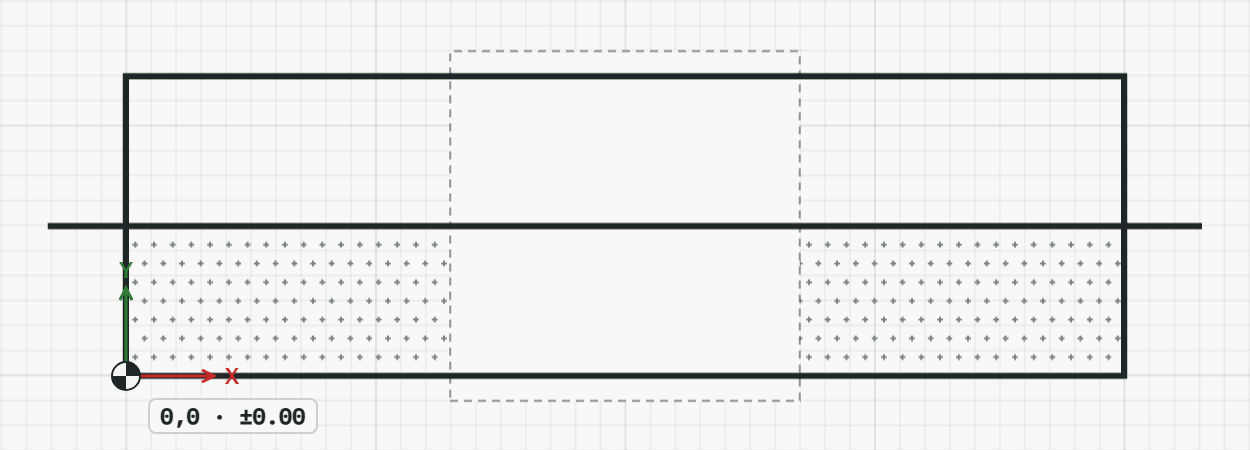
How it works
- Choose the border (none: shown on screen only, never printed), then click or type the first corner.
- Click or type the next corners, here typed relative to the last one.
- Press Enter, or type C, to close it.
Options
Set on the command line while the tool runs; each starts with the value shown, and what you set is kept for the rest of the session.
- Border
- None (on screen only)
Keys
- Type MK, then Enter
While the tool runs
- U
- Undo point
- C
- Close