MembraneMB
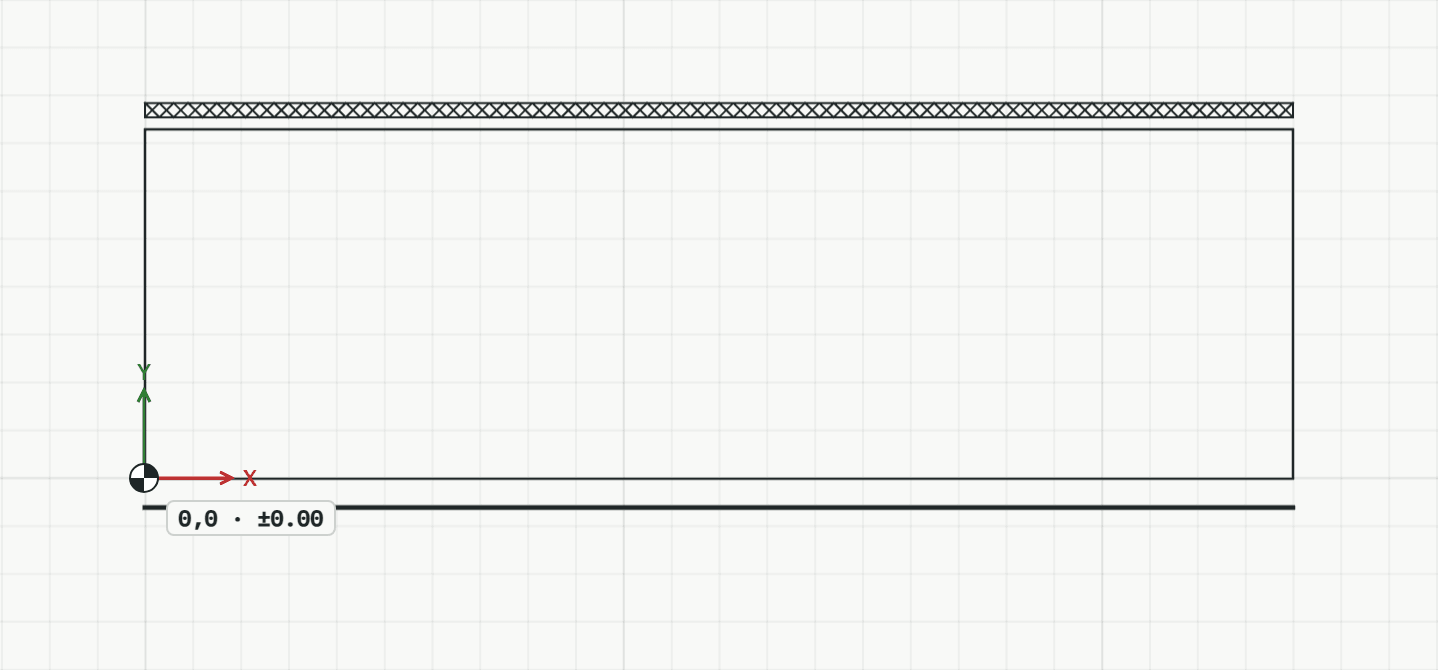
Draws a membrane or seal with its symbol: waterproofing heavy, a vapour control layer dash-dot, a separating layer dashed, a sealing tape as a narrow strip with crosses.
How it works
- Choose the kind, then click the first point.
- Click the next points, or type them.
- Press Enter to finish it. The tool stays on for the next one.
Options
Set on the command line while the tool runs; each starts with the value shown, and what you set is kept for the rest of the session.
- Kind
- Waterproofing
Keys
- Type MB, then Enter
While the tool runs
- U
- Undo point