PolylinePL
Draws a polyline: one element through several points, open or closed. Useful for outlines and furniture drawn by hand.
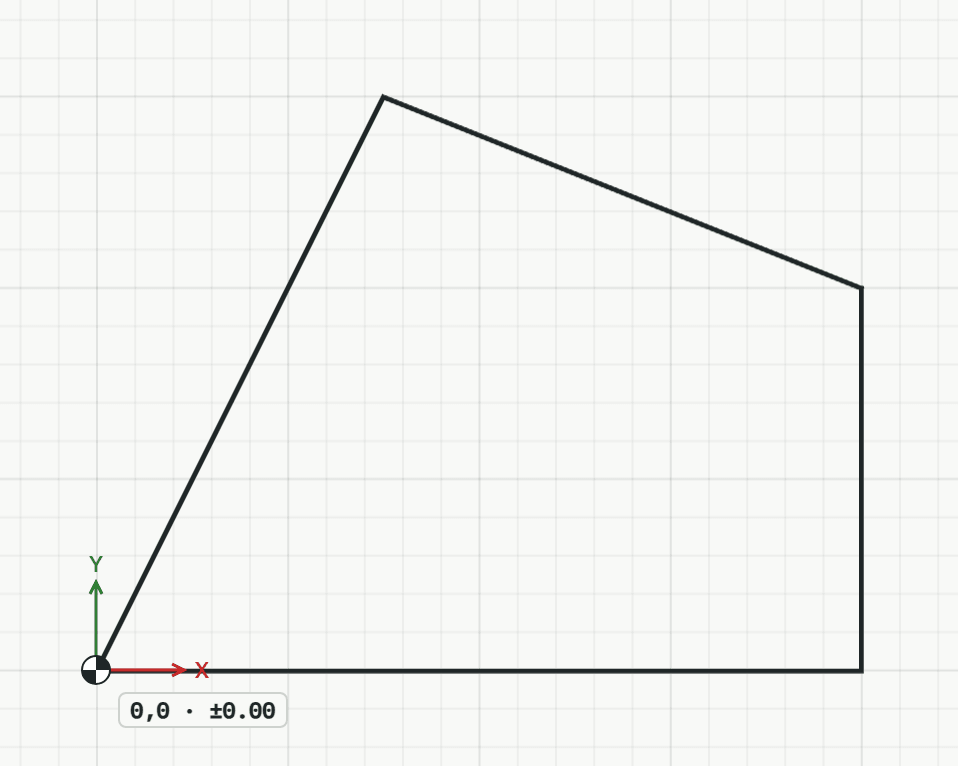
How it works
- Click the first point, or type it as x,y.
- Click each next point, or type it: @dx,dy goes from the last point, a bare length goes that far towards the pointer.
- From the third point on, type C or click the first point again to close the outline. Or press Enter to finish it open.
Keys
- Type PL, then Enter
While the tool runs
- U
- Undo point
- C
- Close