Next viewZN
Goes forward again to the view you left with Previous view. Useful to switch between a close look at a detail and the whole plan.
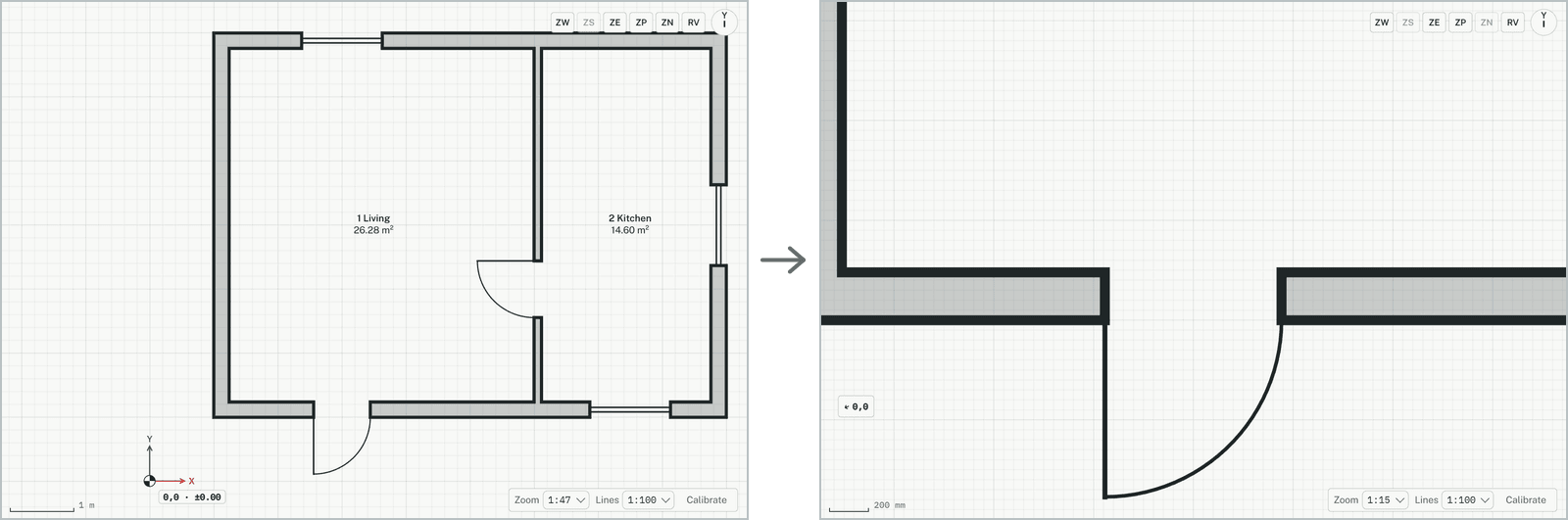
How it works
- Change the view: zoom, pan or turn it. Here + is pressed three times in quick succession, which counts as one change.
- Go back with Previous view (the ZP button on the plan), or type ZP.
- Click Next view (the ZN button on the plan), or type ZN: the view you left comes back.
Keys
- Type ZN, then Enter