Previous viewZP
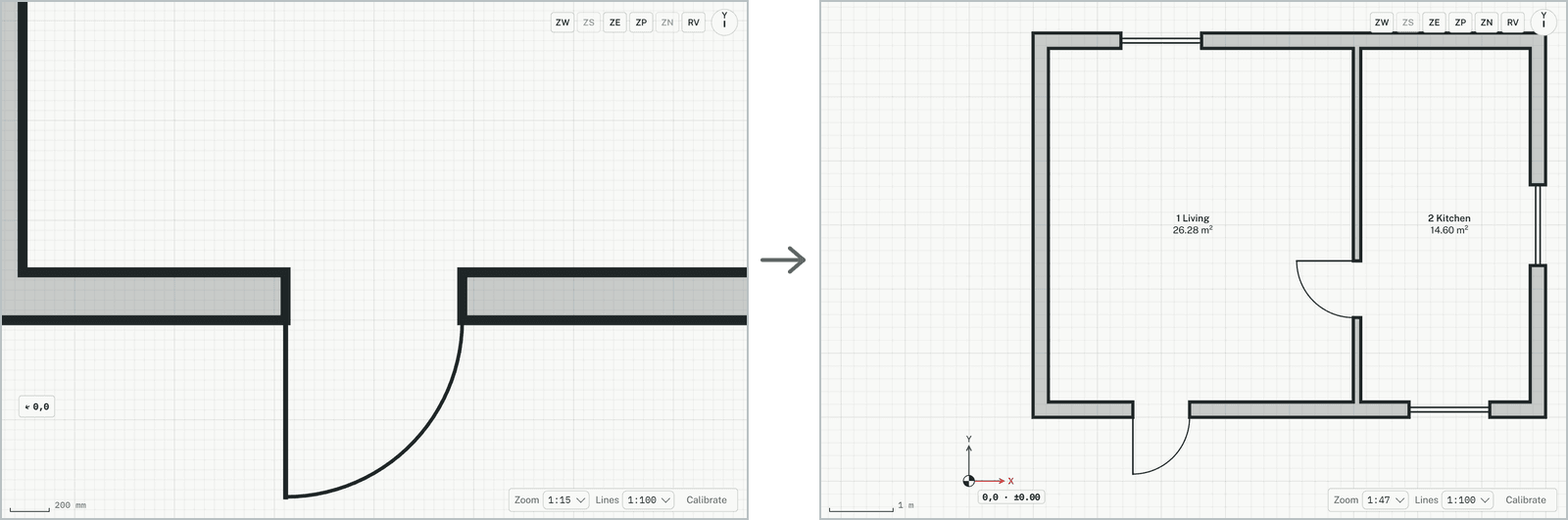
Goes back to the view before the last move: zoom, pan or rotation. The plan itself doesn't change.
How it works
- Change the view, for example zoom in on a corner with + or the mouse wheel.
- Click Previous view, or type ZP and press Enter. The view before the zoom comes back.
Keys
- Type ZP, then Enter