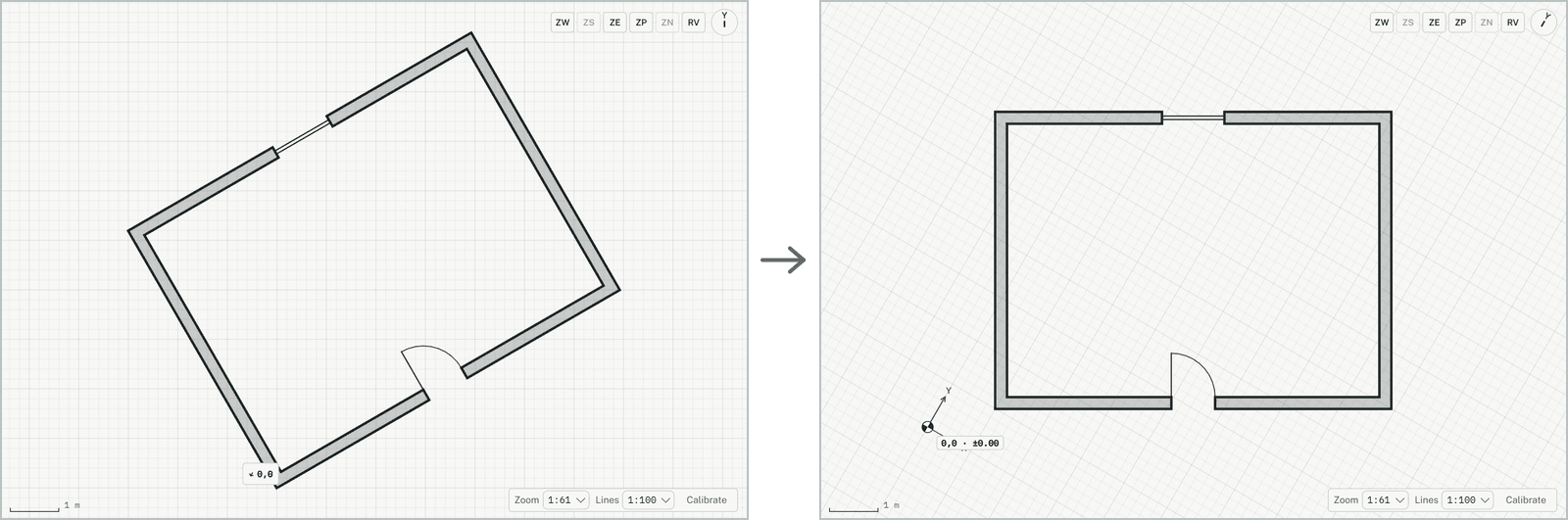
Turns the view of the plan, for example so that a wing at an angle lies square on the screen. Only the picture turns; the model stays as it is.
Rotate view: the result
How it works
Click an element to line the view up with it: the element then runs across the screen. Or type the view's angle in degrees, counter-clockwise, and press Enter (0 is the model's axes). The view turns, and the command ends.