Zoom selectionZS
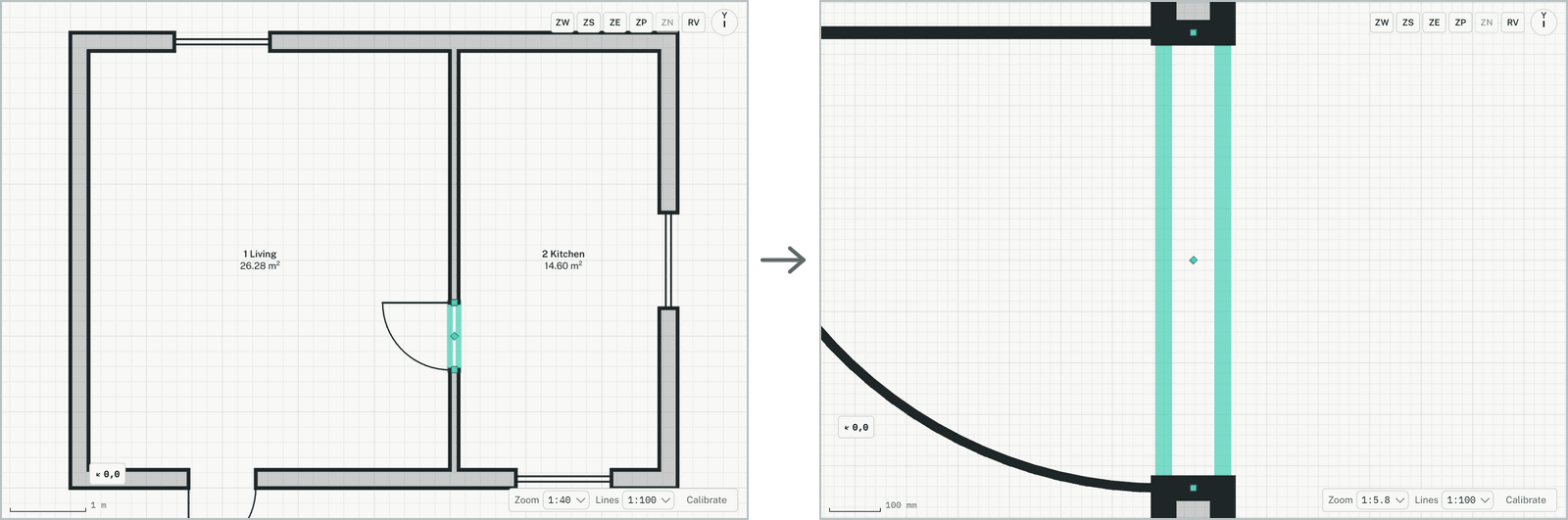
Zooms the plan so the selected elements fill the view. Useful for finding a small element again, such as a door, in a large plan.
How it works
- Select what you want to see: click an element, Shift+click to add more, or drag a selection box.
- Click the button, or type ZS and press Enter. The view zooms to the selection.
Keys
- Type ZS, then Enter