DimensionDIM
Draws dimensions: a dimension line with ticks and the measured lengths. Further points make it a dimension chain, measured as one element.
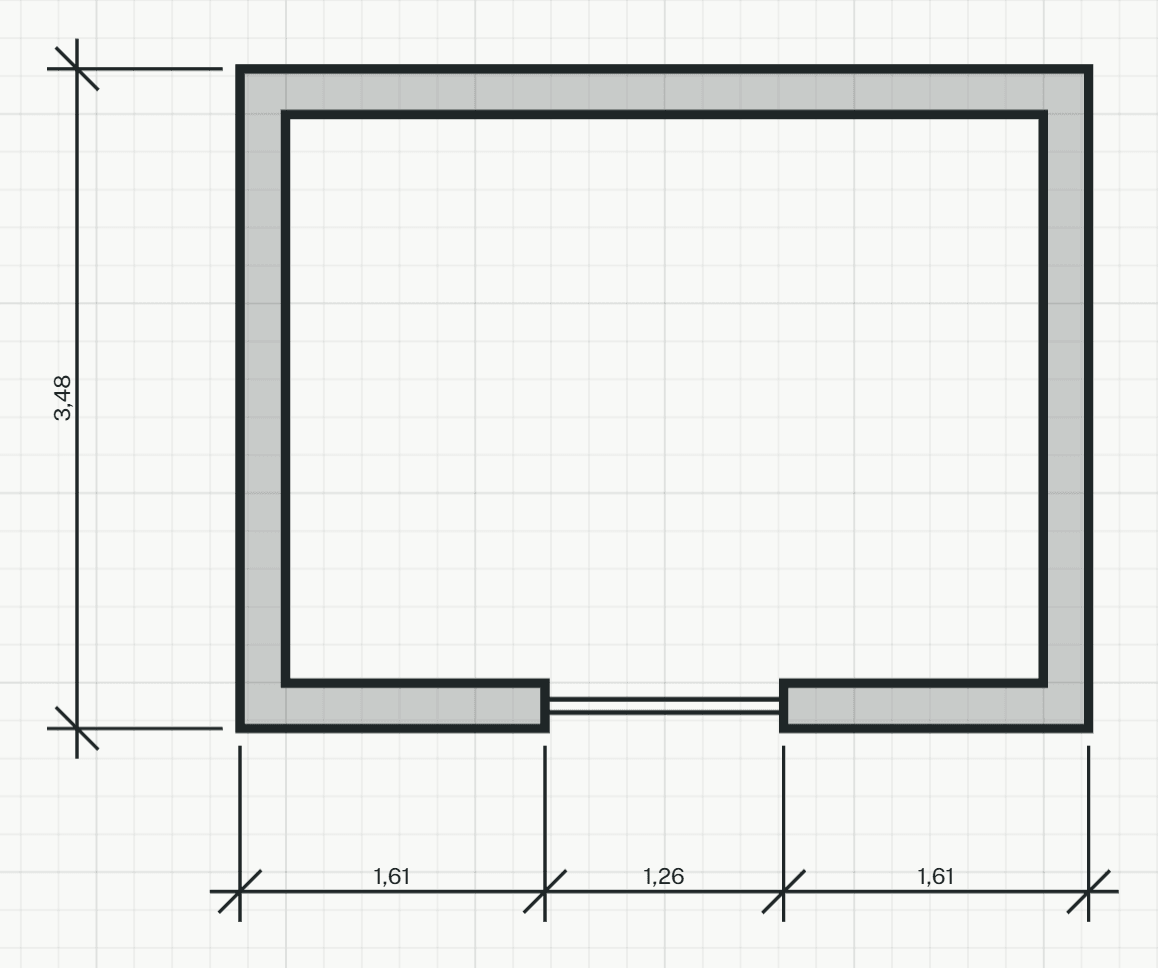
How it works
- Click the first point to measure, such as a wall end. Points snap to wall ends, corners and jambs, or type one as x,y.
- Click the second point.
- Move the pointer to where the dimension line goes and click, or type a distance from the points. Beside the points the line runs vertically, above or below them horizontally.
- Click further points to extend the chain. Each one adds a measurement and is one undo step.
- Press Enter or Esc to end the chain. The tool stays on for the next dimension; Enter or Esc again leaves it.
Options
Set on the command line while the tool runs; each starts with the value shown, and what you set is kept for the rest of the session.
- Direction
- Horizontal or vertical
Keys
- Type DIM, then Enter