Leader noteLE
Writes a note with a leader: a line from the text to what it points at, with an arrow at the tip. Note and leader are one element, so they move, copy and delete together.
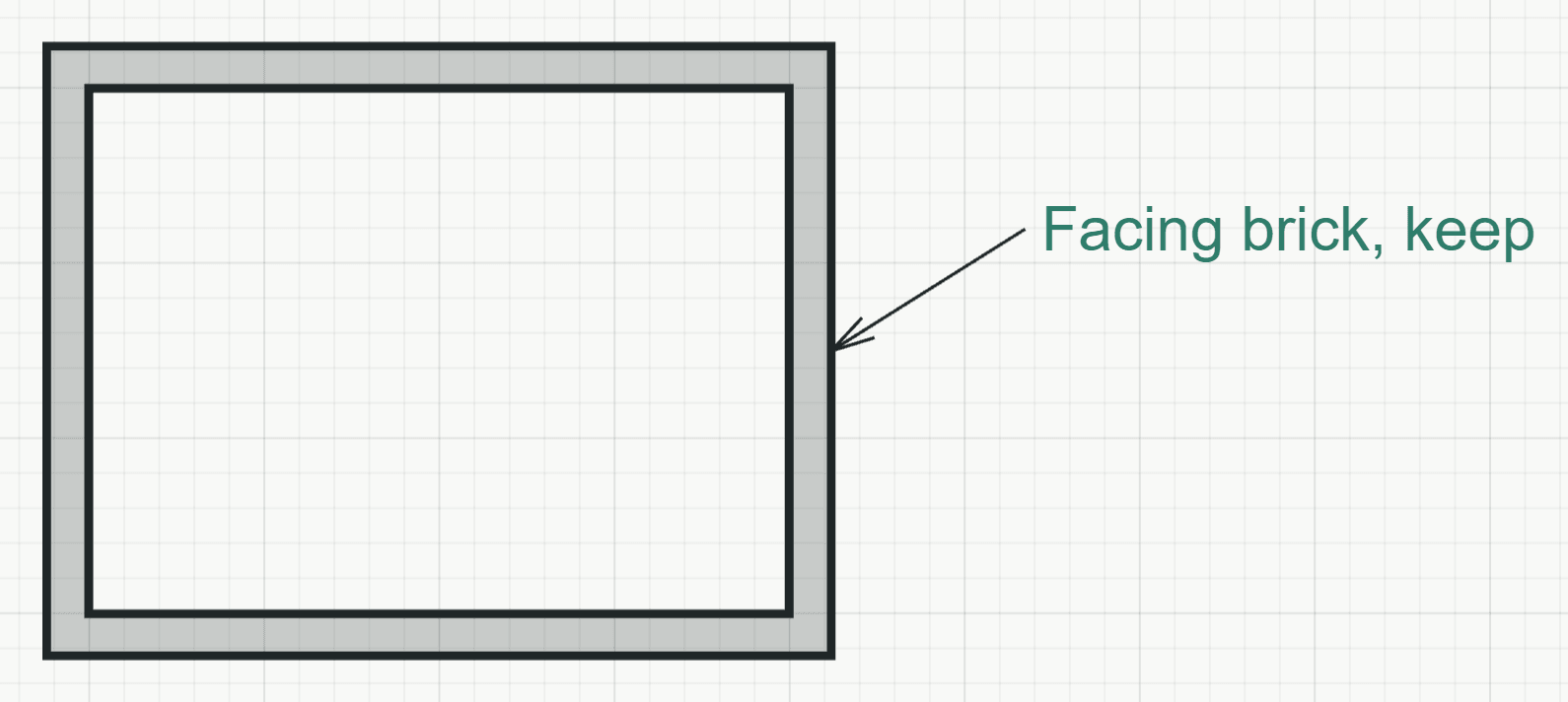
How it works
- Click what the leader points at, or type the point as x,y. Object snap works for the tip.
- Click where the text goes, or type it relative to the tip as @dx,dy.
- Write the text in the field on the plan. Enter starts a new line; Ctrl+Enter or a click elsewhere finishes. A note without text writes nothing.
Options
Set on the command line while the tool runs; each starts with the value shown, and what you set is kept for the rest of the session.
- Layer
- No layer
- Height
- 2.5 mm
- Align
- Left
- Angle
- 0°
Keys
- Type LE, then Enter