MeasureMEA
Measures distances, angles and the space between lines in the plan. It writes nothing: no element, no history entry, no undo step.
How it works
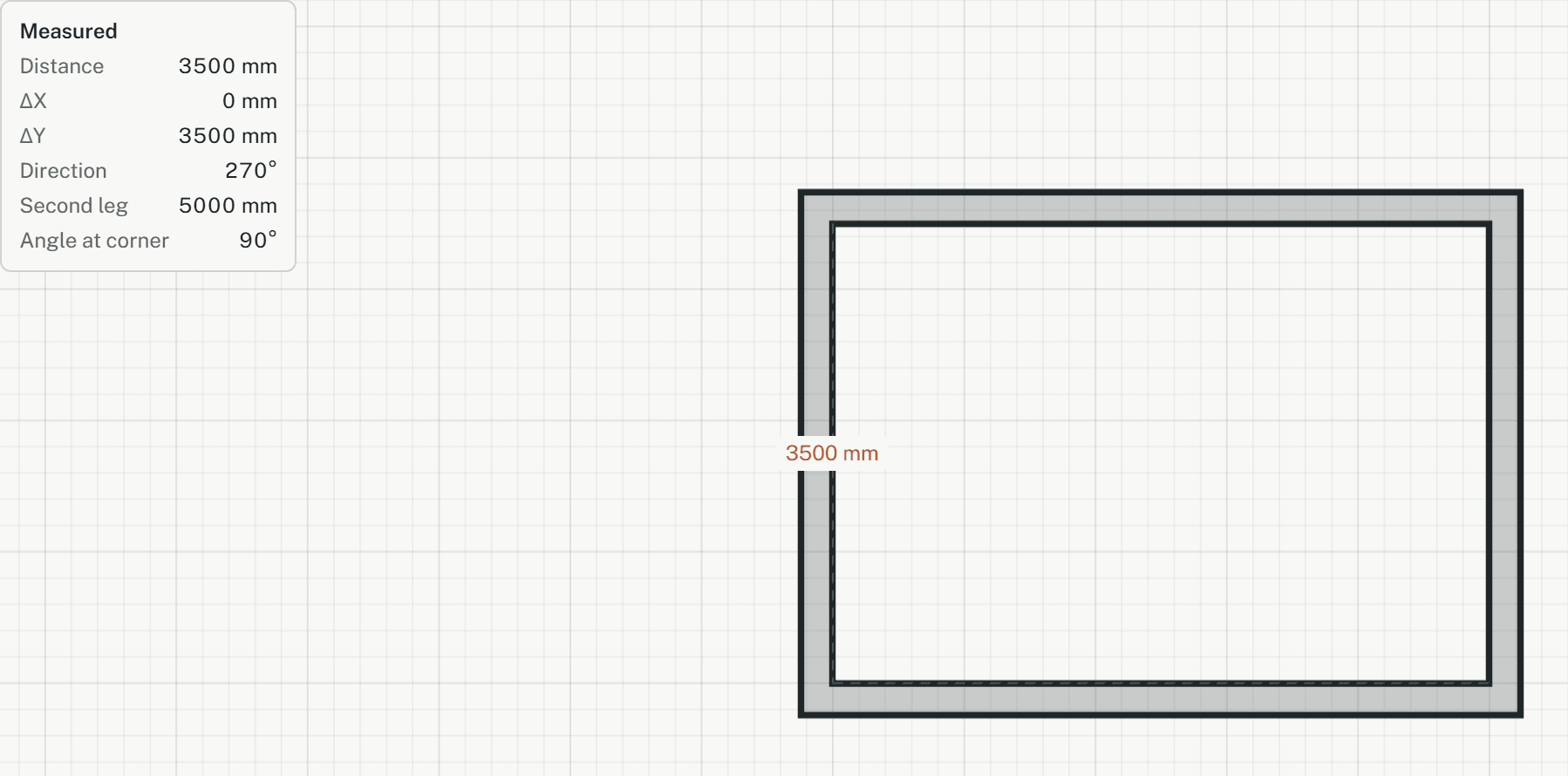
- Point at a wall, line or arc to read it: a wall shows its thickness, length and angle. Then click the first point, or type it as x,y.
- Click the second point, or type it as @dx,dy or @length<angle. The panel shows the distance, ΔX, ΔY and direction.
- Click a third point to add the second leg and the angle at the second point. A fourth click starts again.
- Set "Between" to "Lines", then click two wall faces or lines: parallel ones read their distance, others their angle and gap.
Options
Set on the command line while the tool runs; each starts with the value shown, and what you set is kept for the rest of the session.
- Between
- Points
Keys
- Type MEA, then Enter