Phones, tablets and working offline
arcraum runs in the browser of a phone or tablet as on a computer. How much you can do depends on the room the screen has, not on the device. Without a connection your work is kept on the device and sent later.
Where you can draw
Drawing is offered on a tablet or computer whose shorter side is 480 pixels or more, either way round, and on a phone held upright that is at least 360 × 700. The browser's pixels count, not the screen's resolution: a sharp phone has no more room than a plain one.
Everywhere else the editor is view only: a small phone, a phone on its side, a laptop window zoomed to 200 %. The plan's label then ends in "view only", and the side panel says so. There is no way to edit anyway. Turning a phone switches at once; a step half drawn is dropped, everything already drawn stays.
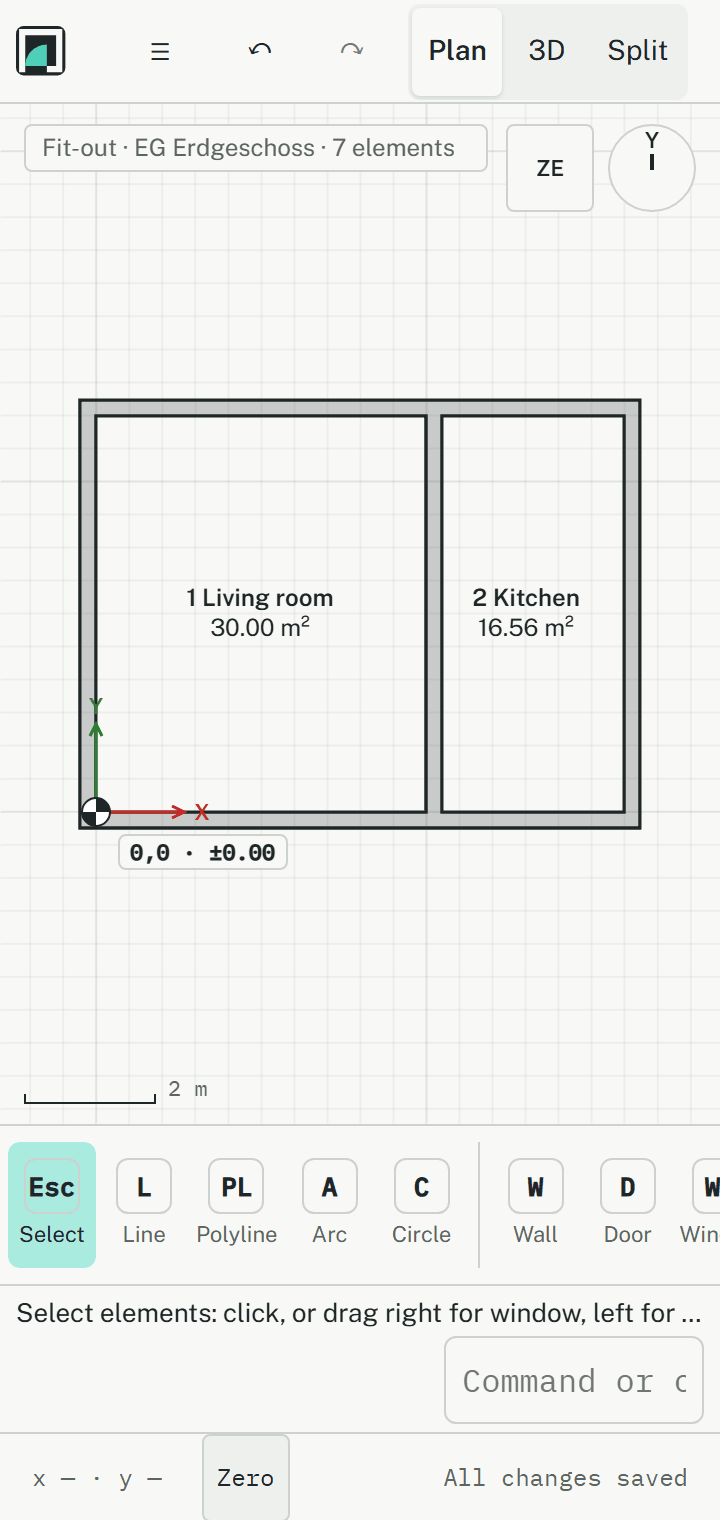
View only
View only is about room, not permission: your project role is unchanged. You keep the plan, the 3D view, the storeys, the properties of what you select, the history and printing. Of the tools you keep Select, Measure, Measure area and Defect, so a site visit works on any phone. There is no command line and no Undo.
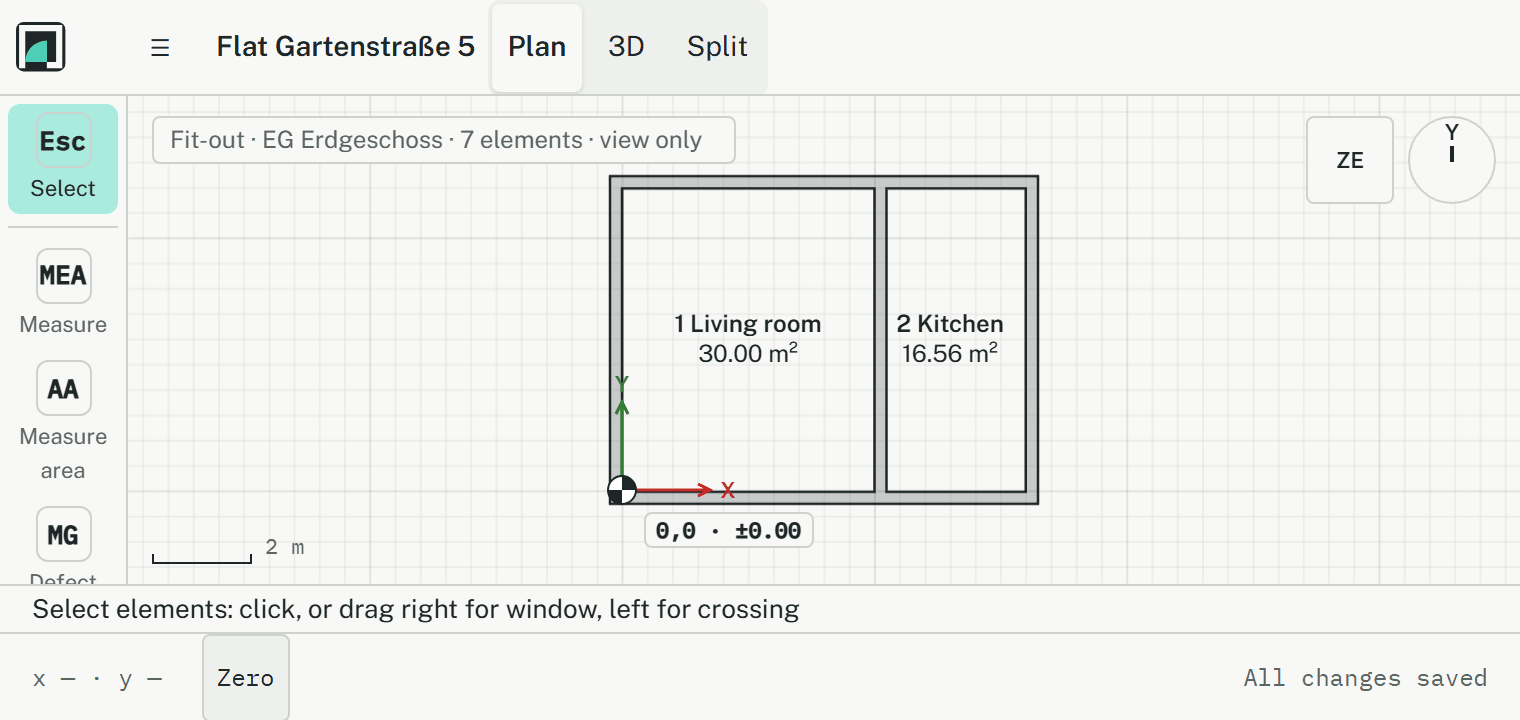
Compact screens and the side panel
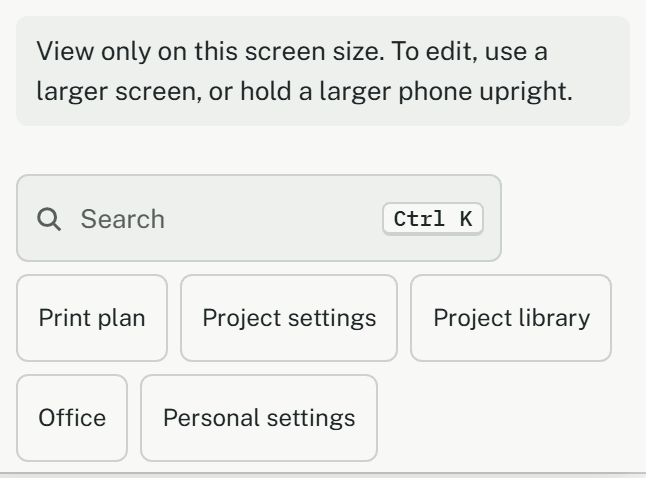
On a screen up to 1000 pixels wide or 500 high, the properties are a panel over the plan, opened and closed with ☰ in the top bar. It also holds what the bars have no room for: the search, Print plan, Project settings, the Project library, Office, Personal settings and the status bar's switches. Where the top bar is too narrow, the model and the branch are at the top of the panel too. Zero stays in the status bar, one tap away.
Touch
- Buttons and fields are at least 44 pixels high, a fingertip's size.
- A tap is a click, and it reaches further than a mouse, so a line is easy to hit.
- One finger moves the plan, two fingers zoom, and turning them past 15° turns the plan.
- Touching and holding a toolbar button opens its tool card.
- Selecting with a window needs a mouse: one finger moves the plan instead.
- On a tablet, Calibrate on the plan makes the zoom true to scale: hold a bank card to the screen and match the bar to it. Until then a zoom of 1:100 is only roughly 1:100 on a tablet or phone.
Without a connection
Every step is saved at once. Without a connection it is kept on the device, and the status bar says Offline and how many changes wait. Once the connection is back, they are sent by themselves.
- Keep the page open until everything is sent. A page reloaded without a connection doesn't load.
- Open the models you will need while you still have a connection.
- Signing out keeps changes not sent yet. They are sent once you sign in again in this browser, and never by anyone else.
Not saved
Rarely, the server refuses a change. The status bar then says Not saved and how many changes it refused; with a mouse, pointing at it names them. They stay only in this browser and are tried once more each time you open the model. Once nothing else waits, Discard drops the local copy and loads the model from the server, after asking.
Defects without signal
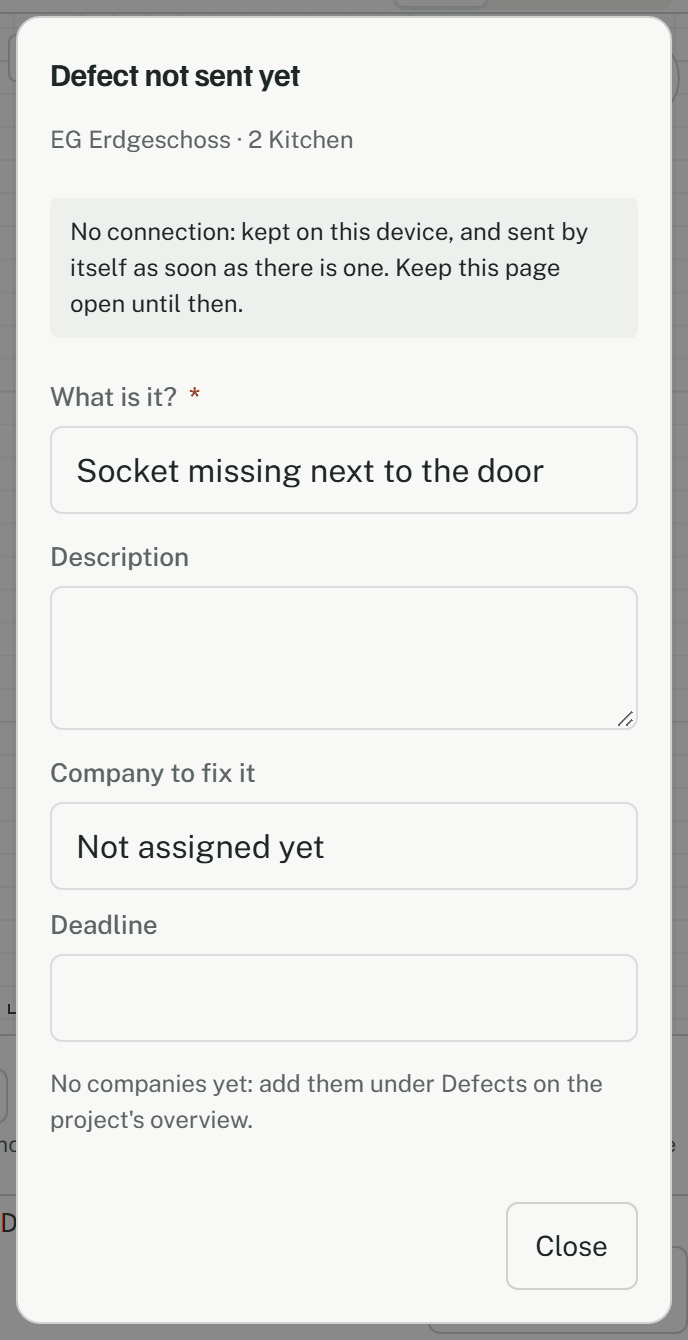
In a basement there is often no signal. A defect and its photos are kept on the phone and sent by themselves as soon as there is a connection. Until then the pin reads M-…, outlined dashed: the number is given when the defect reaches the server. The Defects card on the overview says how many wait on this device. More in Defects on site.
What needs a connection
- Opening pages, projects and models.
- Changing a defect's state, notices of defects and the company's link.
- The site diary.
- The pictures and clips in Knowledge. The articles themselves and the search work offline.
Two tabs or two screens
You can have a model open in two tabs or windows, on two screens too. A tab you turn to fetches what changed at once, and the status bar says Updating…; what you draw in that moment waits up to a second and is then drawn. If it takes longer, the status bar says May be out of date until the next round succeeds.
- Each tab has its own Undo, for the steps drawn in it.
- Without a connection, two tabs don't see each other's changes until it is back.
- Hidden and locked layers are one setting per browser: the tab you changed last wins.