Measure areaAA
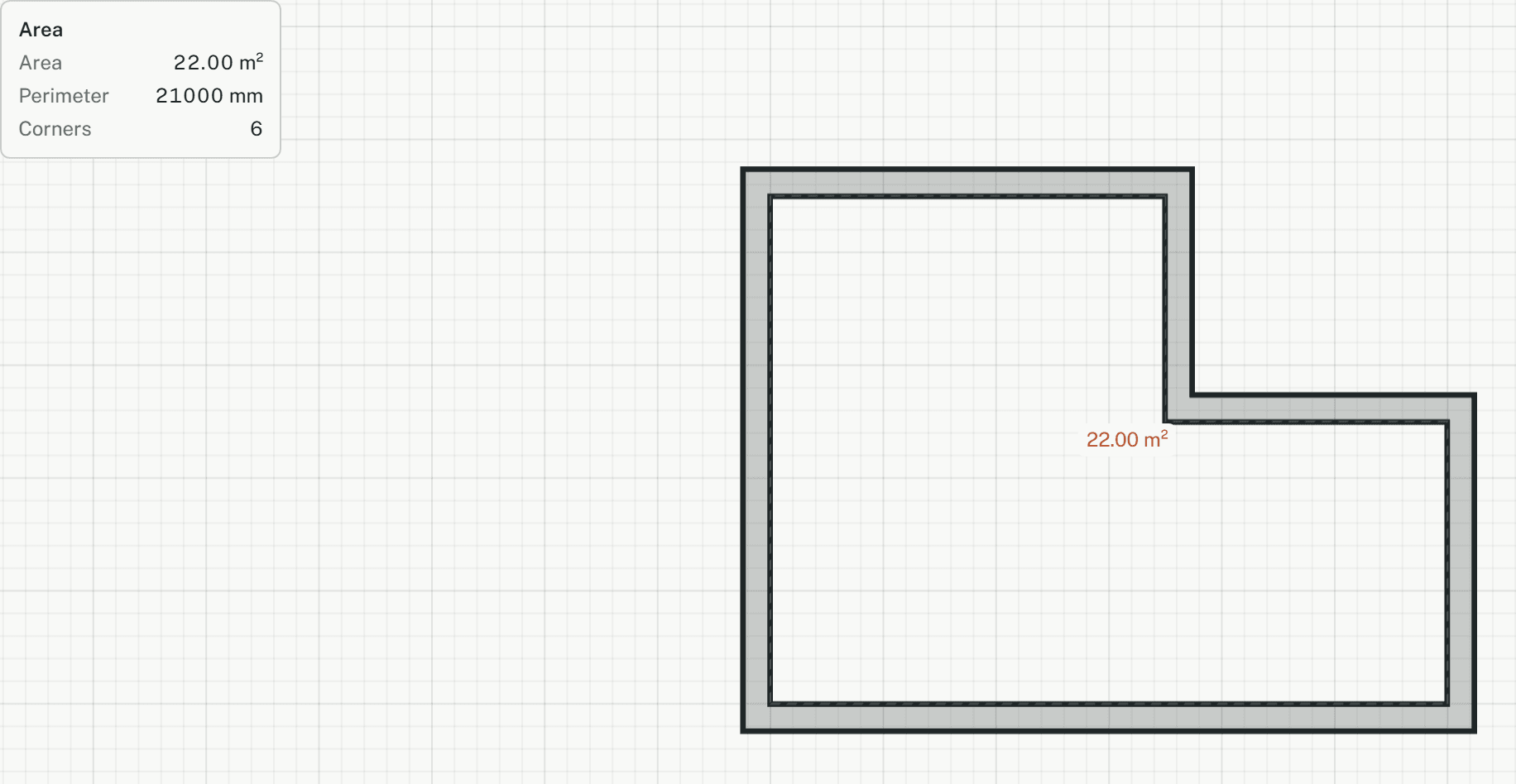
Measures the area and perimeter of any outline, by its corners or by the lines around it. It writes nothing to the model, so it works in read-only models too.
How it works
- Click the first corner, or type it as x,y. All snaps work, and with object snap on a corner clicked on a wall stays on it, even with ortho or grid snap on.
- Click the next corners, or type one as @dx,dy from the last. From the second corner on, area and perimeter follow the pointer.
- Press Enter, type C or click the first corner to close the outline. The area stays shown; the next click starts a new one.
- Or set By to Lines and pick the lines around the area, such as the wall faces of a room, in any order. Each line is extended to meet its neighbours.
Options
Set on the command line while the tool runs; each starts with the value shown, and what you set is kept for the rest of the session.
- By
- Corners
Keys
- Type AA, then Enter
While the tool runs
- U
- Back
- C
- Close