Select
Picks the elements to work on and changes them by their grips. Move, Copy, Delete and the inspector act on the selection.
How it works
- Click an element to select it. A click replaces the selection, Shift+click adds or removes one, and a click on empty space clears it.
- Drag from left to right for a window selection: it selects only what lies entirely inside.
- Drag from right to left for a crossing selection: it also selects what the rectangle touches.
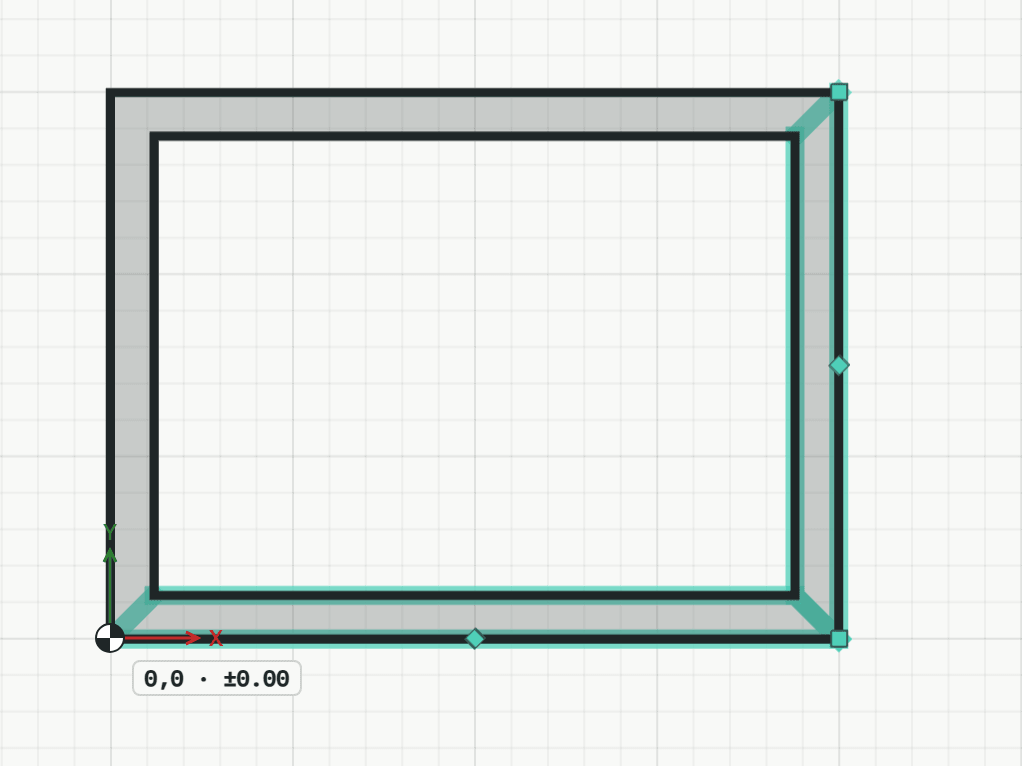
- Drag a grip of a selected element, or click it and then click or type the new place, e.g. @1000,0. Walls joined to it stretch along.