SlabS
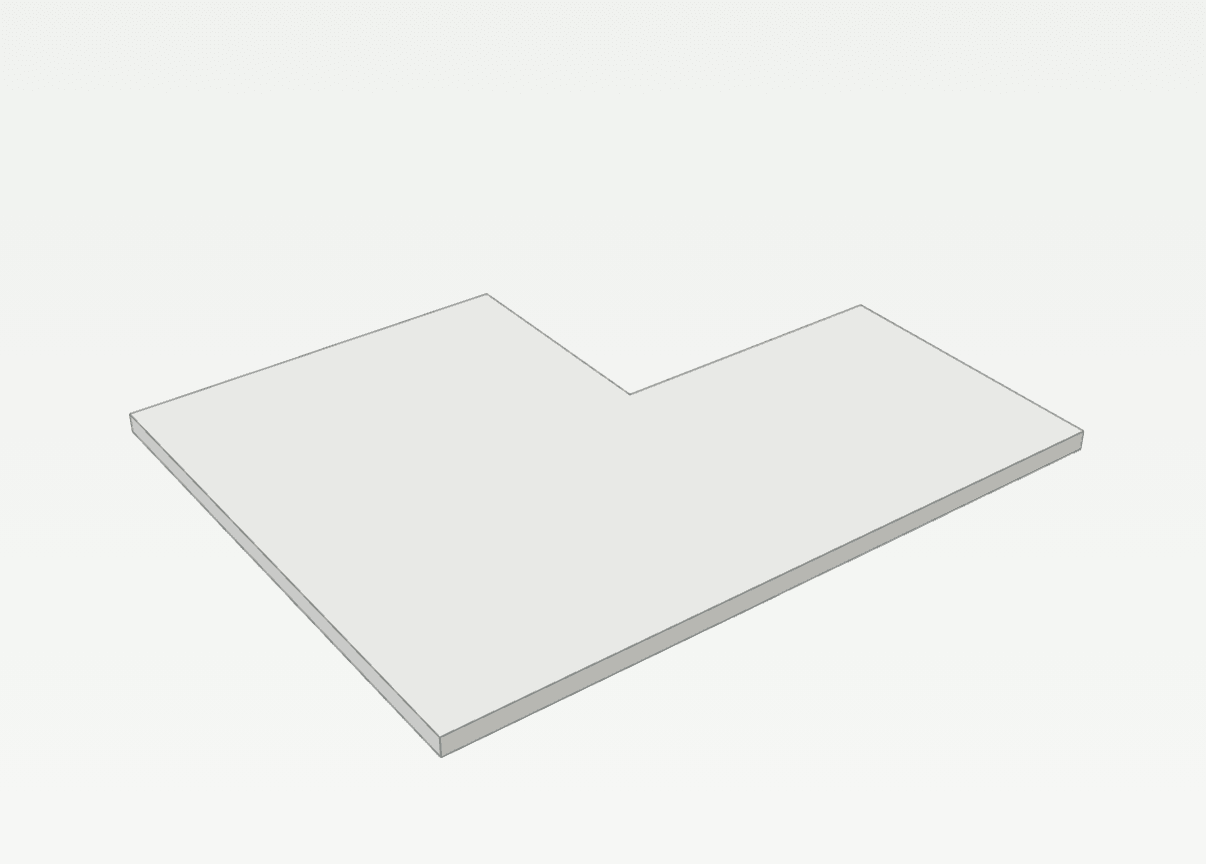
Draws a slab from the corners of its outline. On the lowest storey its "Type" starts as "Base slab", on the others as "Slab".
How it works
- Click the first corner, or type it as x,y.
- Click the next corners, or type one as @dx,dy from the last. From the second corner on, the preview shows the slab up to the pointer.
- Type C or press Enter to close the outline, or click the first corner again. The tool stays on for the next slab.
Options
Set on the command line while the tool runs; each starts with the value shown, and what you set is kept for the rest of the session.
- Type
- Slab
- Thickness
- 200 mm
- Top above FFL
- 0 mm
Keys
- Type S, then Enter
While the tool runs
- W
- From walls
- U
- Undo corner
- C
- Close