StairST
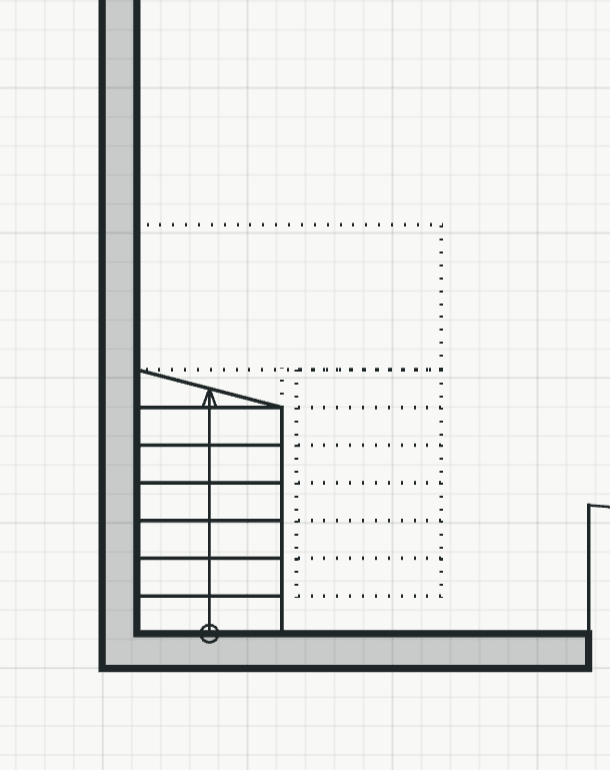
Places a stair from its shape and sizes. Two clicks set the outer corner of the first riser and the way up, so the stair can stand against a wall at once.
How it works
- Click the outer corner of the first riser, usually the corner of two wall faces, or type it as x,y.
- Click a point in the direction the stair goes up, or type it as @length<angle. The flights lie on one side of that line: press F before you click to flip them to the other side. The side stays for the next stair.
Options
Set on the command line while the tool runs; each starts with the value shown, and what you set is kept for the rest of the session.
- Shape
- Half turn with landing
- Turn
- Left
- Width
- 1000 mm
- Height
- 2750 mm
- Risers
- 15
- Tread
- 260 mm
- Landing
- 1000 mm
- Gap
- 100 mm
Keys
- Type ST, then Enter
While the tool runs
- F
- Flip side