TextT
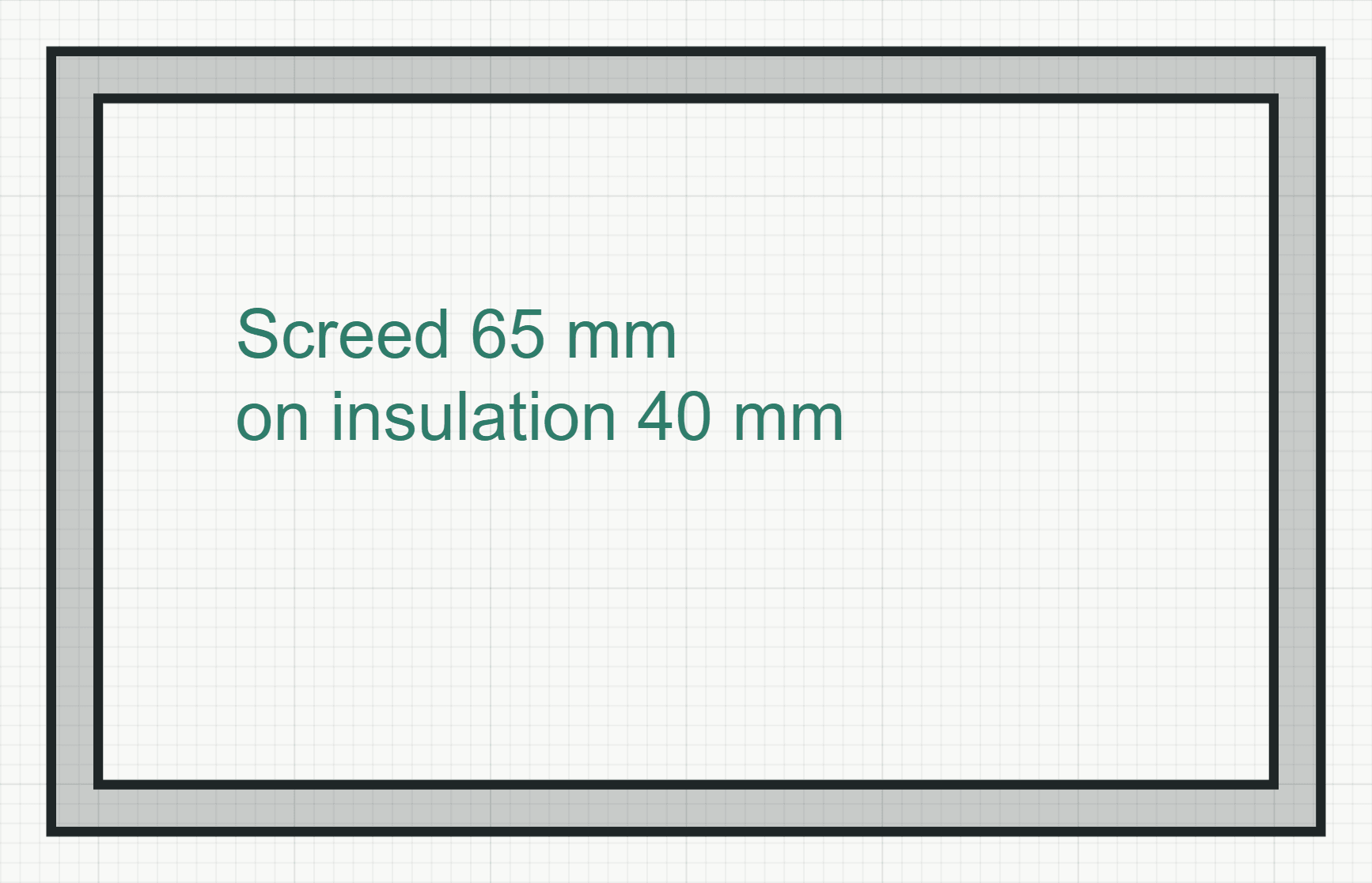
Writes a note into the plan: a block of text on the Explanations layer, one or more lines, at a fixed height on paper.
How it works
- Click where the text goes, or type the point as x,y. The point is the top of the text, on the side it is aligned to.
- Write the text in the field that opens there. Enter starts a new line; Ctrl+Enter or a click elsewhere finishes the note, and Esc drops it.
Options
Set on the command line while the tool runs; each starts with the value shown, and what you set is kept for the rest of the session.
- Layer
- No layer
- Height
- 2.5 mm
- Align
- Left
- Angle
- 0°
Keys
- Type T, then Enter