Coordinate system (UCS)UCS
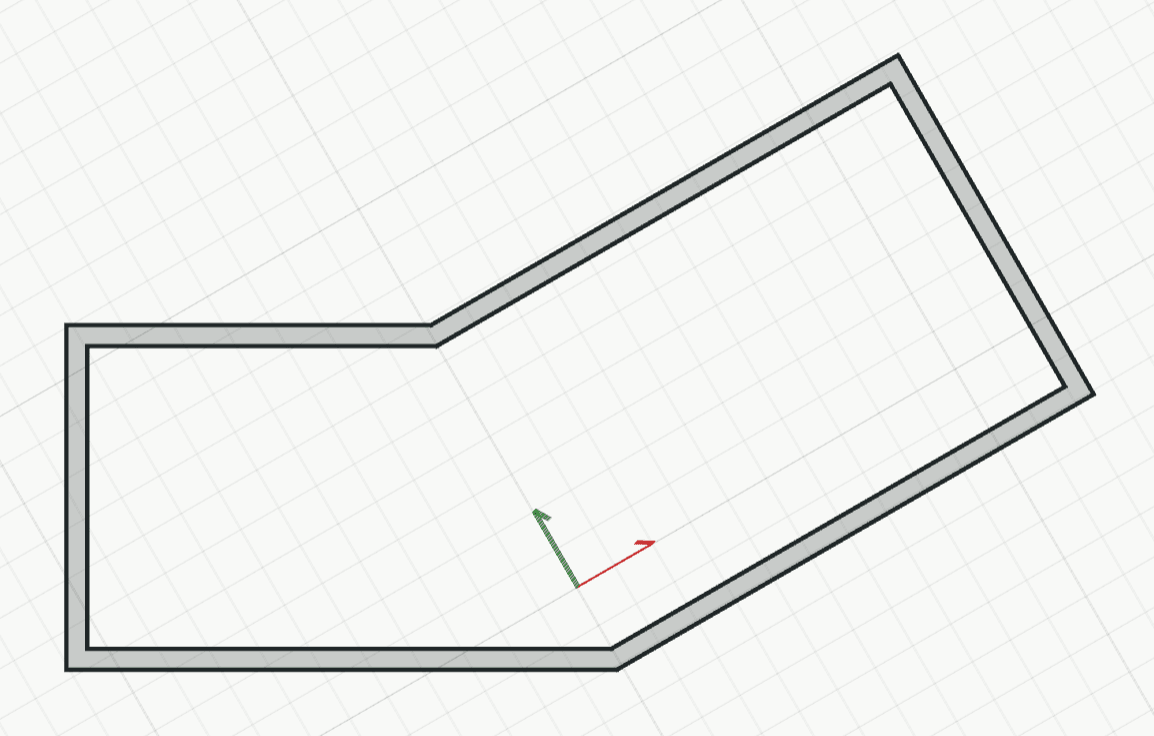
Sets up a user coordinate system (UCS) for working along a wing at an angle. While it is in use, ortho, the grid, typed coordinates and the readouts follow its axes.
How it works
- Click the origin, or type it as x,y. It snaps, so a corner of a wall works.
- Click a point on its X axis, such as the other end of the same wall, or type it as @dx,dy from the origin. It snaps too.
- Type a name and press Enter, or press Enter alone for the next free one (UCS 1). The UCS is in use in this pane straight away.
Keys
- Type UCS, then Enter