HatchH
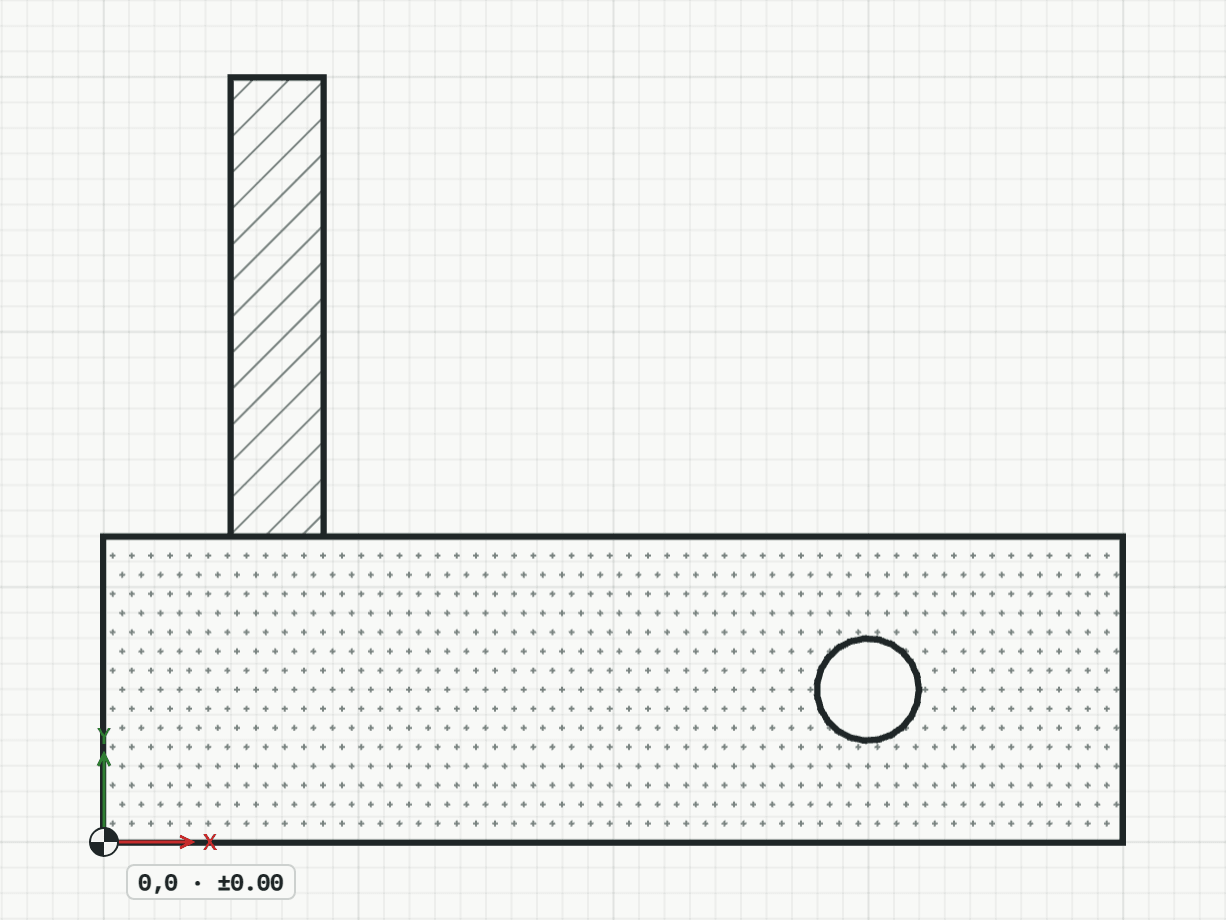
Fills an area with the hatch of a material, such as masonry or concrete. The patterns are the materials of the project library, where its editors change them and bring more in with “Add from office library”. A pattern keeps its size on paper at any scale.
How it works
- Pick the material, then click inside the area; while the pointer is in it, its outline shows. Lines in view that close around the point bound it, and a figure standing free inside it stays open. Each click is one hatch; Enter finishes.
Options
Set on the command line while the tool runs; each starts with the value shown, and what you set is kept for the rest of the session.
- Material
- Masonry
- Angle
- 0°
Keys
- Type H, then Enter