Slab openingSO
Draws a slab opening, such as a stair opening or a void. It belongs to its slab and is cut out of it in 3D.
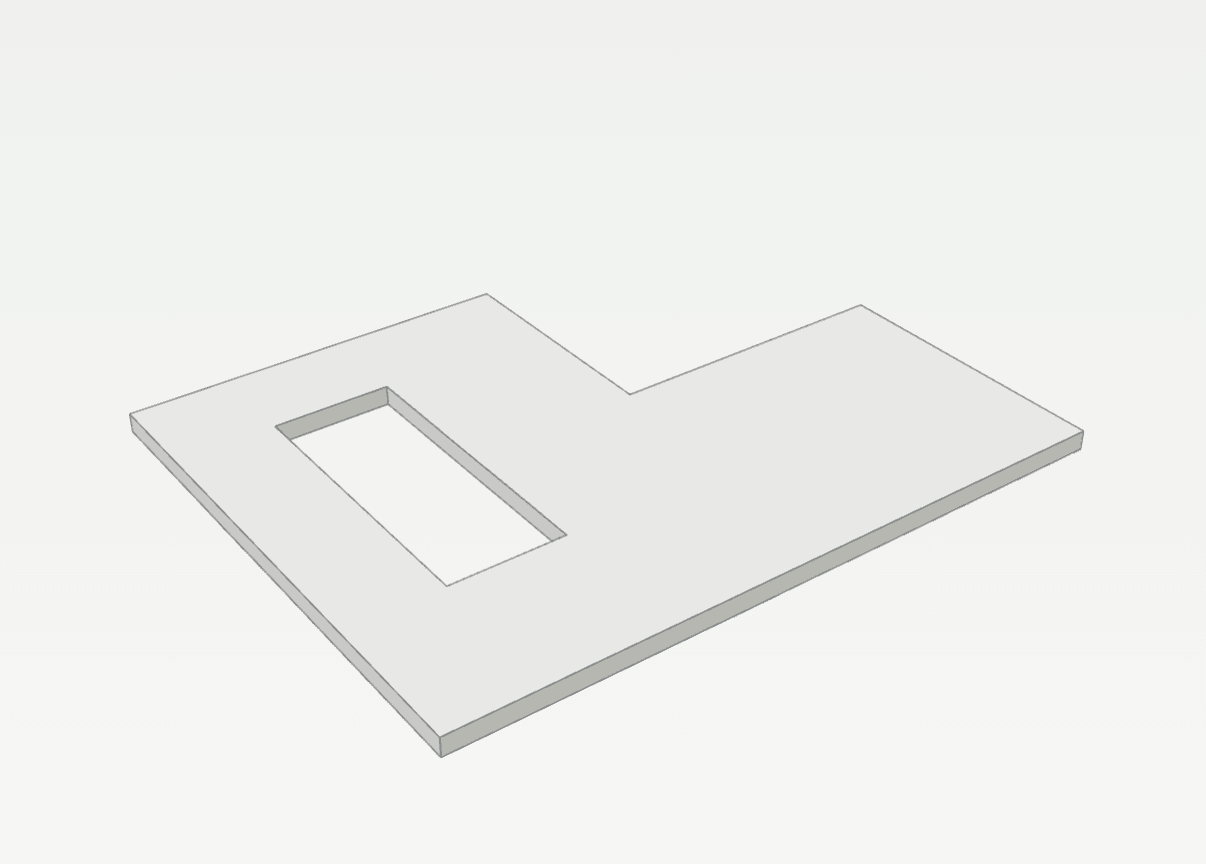
How it works
- Click the first corner inside a slab, or type it as x,y.
- Click the next corners, or type one as @dx,dy from the last corner.
- Click the last corner, then type C or press Enter to close the outline. A click on the first corner closes it too.
Options
Set on the command line while the tool runs; each starts with the value shown, and what you set is kept for the rest of the session.
- Kind
- Treppenöffnung
Keys
- Type SO, then Enter
While the tool runs
- U
- Undo corner
- C
- Close