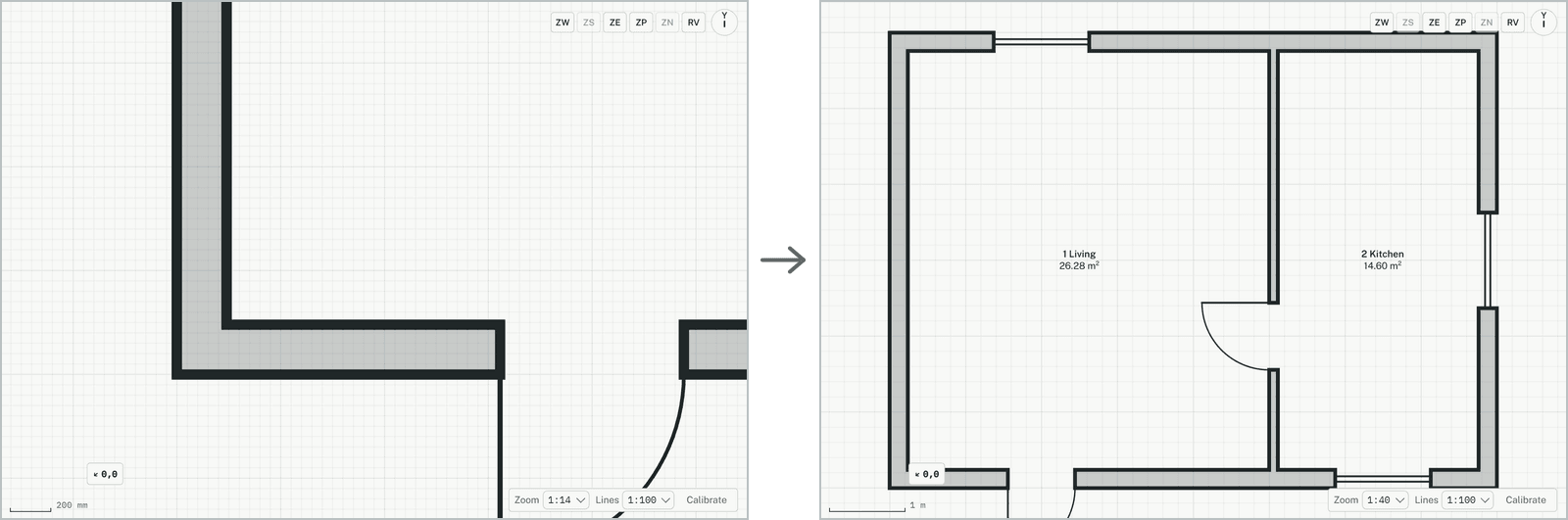
Fits the plan to its content: everything on the storey is shown at once, as large as the view allows. Useful after zooming in on a detail, or when the drawing has gone off the view.
Zoom to fit: the result
How it works
Click Zoom to fit, press Home, or type ZE and press Enter. A double click with the middle mouse button does the same.