Acceptance and warranty
When a company's work is finished, you accept it on the project's overview: all of it or a part, signed by both sides on the same screen on site. The record is kept as signed, as a PDF for the company, and arcraum keeps an eye on when its warranty ends.
Before the acceptance
The Acceptance and warranty card is on the project's overview, in the Site area. It accepts the work of the companies listed under Defects, so add them there first, with whether their contract is under VOB/B or BGB (see Defects on site).
Accepting is for the project's editors and its lead, and for the person responsible for a work item of LPH 8.
What is accepted
- Choose New acceptance… and the Company.
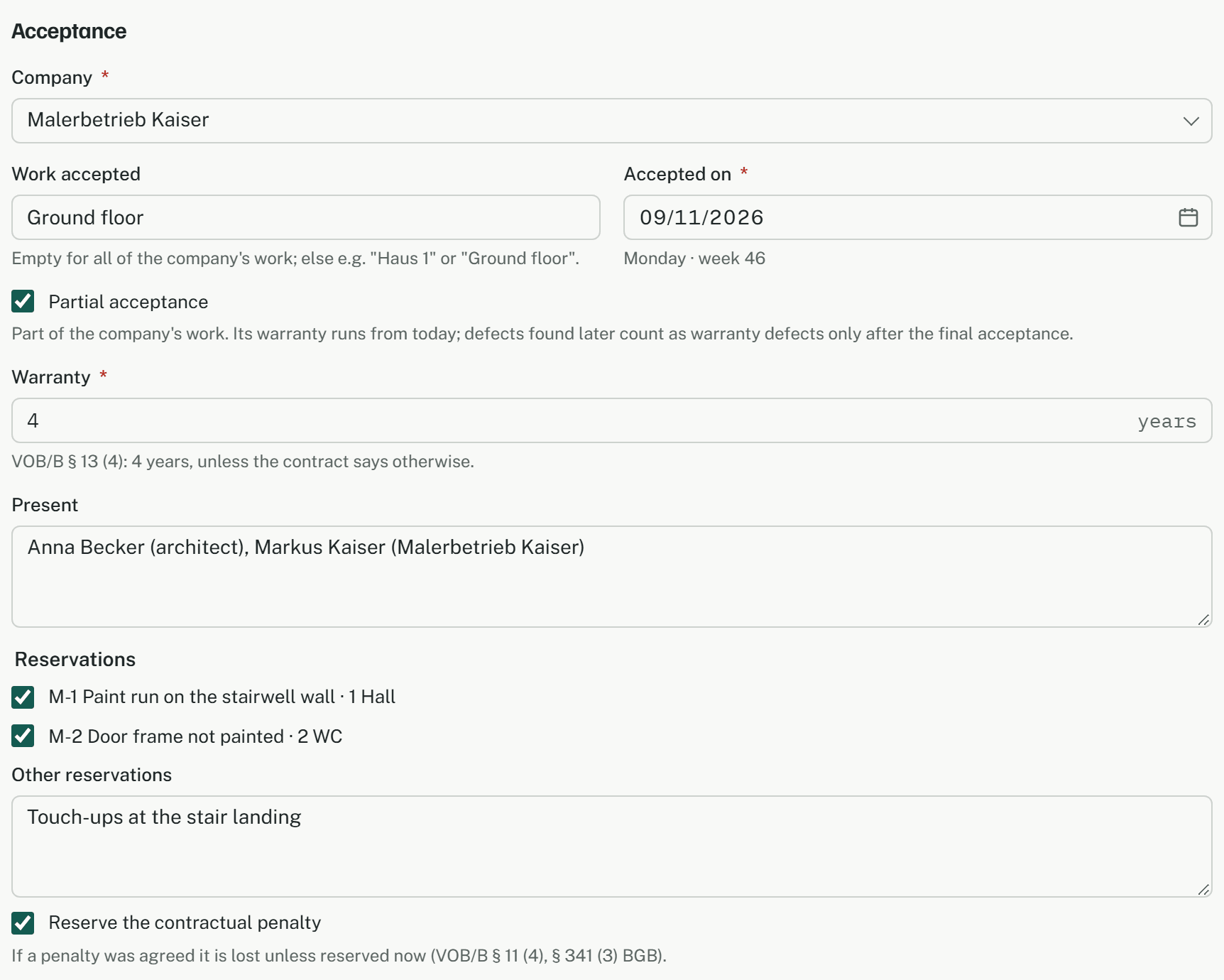
- Under Work accepted, name the part, such as "Ground floor"; leave it empty for all of the company's work. For a part, tick Partial acceptance.
- Accepted on is today. An earlier day can be typed, a later one can't.
- Warranty in years follows the company's contract: 4 under VOB/B, 5 under BGB. Change it when the contract agrees another period.
- Under Present, write who took part.
Reservations
Under Reservations the company's defects that aren't done are listed, each ticked: they become the record's reservations. Untick one only if it is no longer a defect. Other reservations takes anything not recorded as a defect.
Reserve the contractual penalty is ticked to start with. Untick it only when no penalty was agreed, or when it is to be waived on purpose.
Signing on site
Under Signatures both sides sign, for the client and for the company, with a finger, a pen or the mouse. Your name is filled in for the client (change it if someone else signs); write the name of whoever signs for the company. Sign again clears a pad. Sign and keep can be pressed once both have signed.
The acceptance is then numbered A-1, A-2 and so on, and kept as it was signed: its date, reservations and signatures can never be changed or deleted. Read it through before signing.
The record
Right after signing, arcraum makes the record as a PDF: the statement of acceptance (VOB/B § 12 or § 640 BGB), the reservations, the contractual penalty, the end of the warranty and both signatures with their names. It is kept with the project, once, and downloaded. PDF in the card's list downloads it again. If it couldn't be made, the acceptance is kept all the same, and Make PDF makes it later from the stored signatures.
The company finds its records, with the end of each warranty, on the page its link opens (Link… on the company under Defects). Or send the PDF yourself: arcraum sends no mail.
When the warranty ends
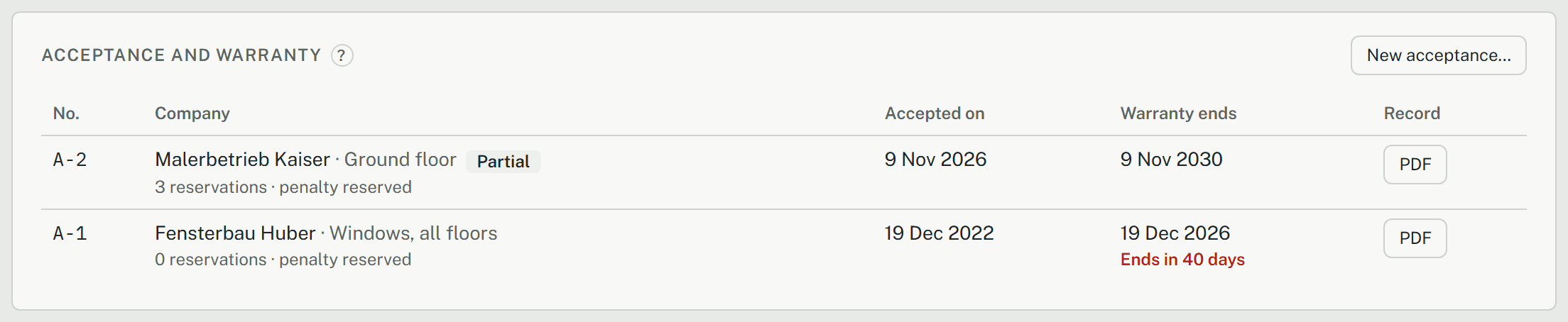
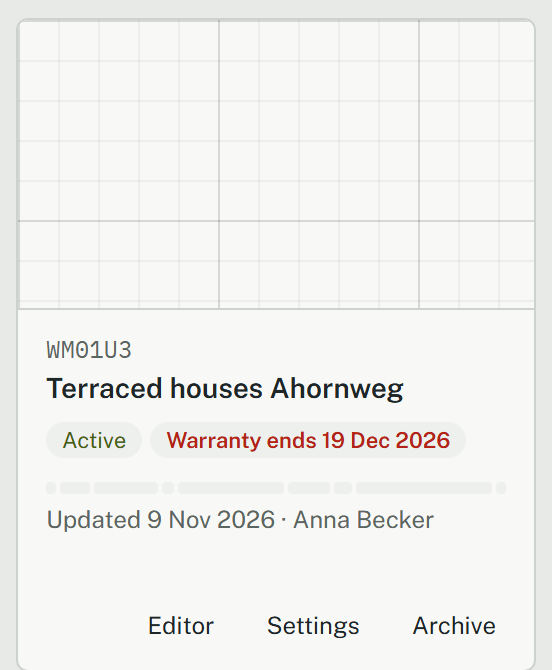
The card shows when each warranty ends. From 90 days before, the end is red with the days left, What needs you names it, and the project list shows Warranty ends … on the project. That is the time to inspect the work and notify defects before the period runs out (LPH 9).
Defects after acceptance
A defect recorded on or after the day of a company's final acceptance (not a partial one) is a warranty defect. It is tagged Warranty in the Defects card and in its dialog. A notice of defects (Notice… on the company) made only of such defects asks for the remedy under VOB/B § 13 (5), or § 635 BGB under a BGB contract, instead of VOB/B § 4 (7).
