DoorD
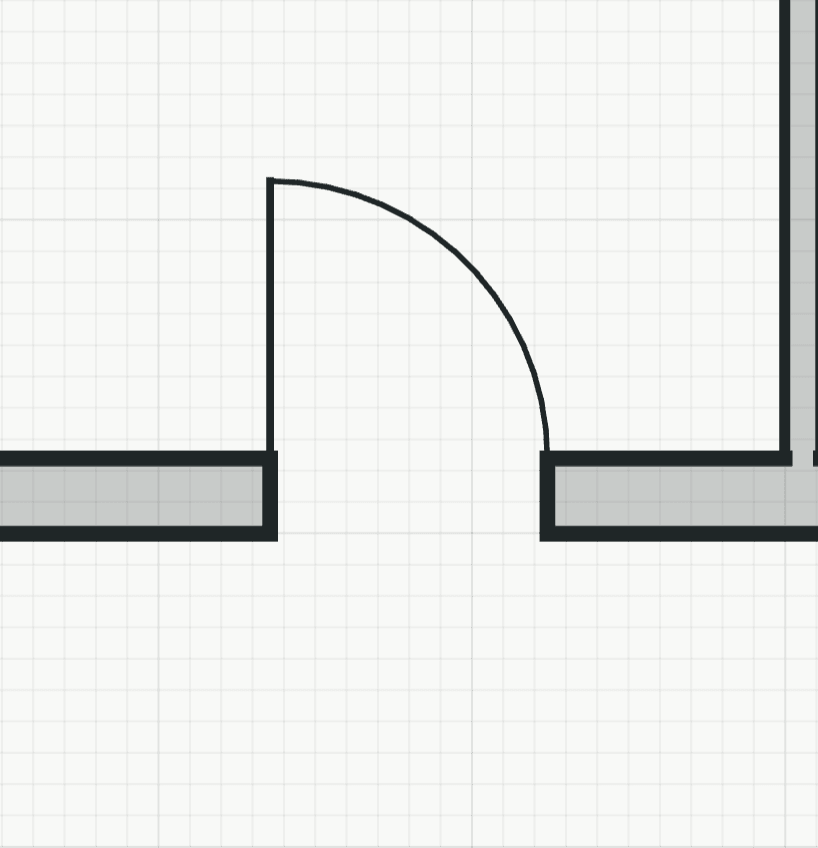
Places a door in a wall. The door belongs to the wall, so it moves, copies and goes with it.
How it works
- Click a wall where the door goes: the door is centred there, and the side of the wall the pointer is on sets the swing. Or point at the wall and type a distance: the door goes that far from the nearer wall end to its near edge. The tool stays on for the next door; Enter or Esc ends it.
Options
Set on the command line while the tool runs; each starts with the value shown, and what you set is kept for the rest of the session.
- Width
- 885 mm
- Height
- 2005 mm
Keys
- Type D, then Enter