PartBT
Places a part of the project library at true size: a window sill or a flashing in a detail, furniture or a sanitary object in a plan. Every office starts with a catalogue of standard objects, for bathroom, kitchen, living, sleeping, step-free use and office, which stand in 3D on their storey's floor. A new project has no parts until its editors bring them in with “Add from office library” in the project library. A placed part is a copy: a later change in the library reaches it only when you take it over.
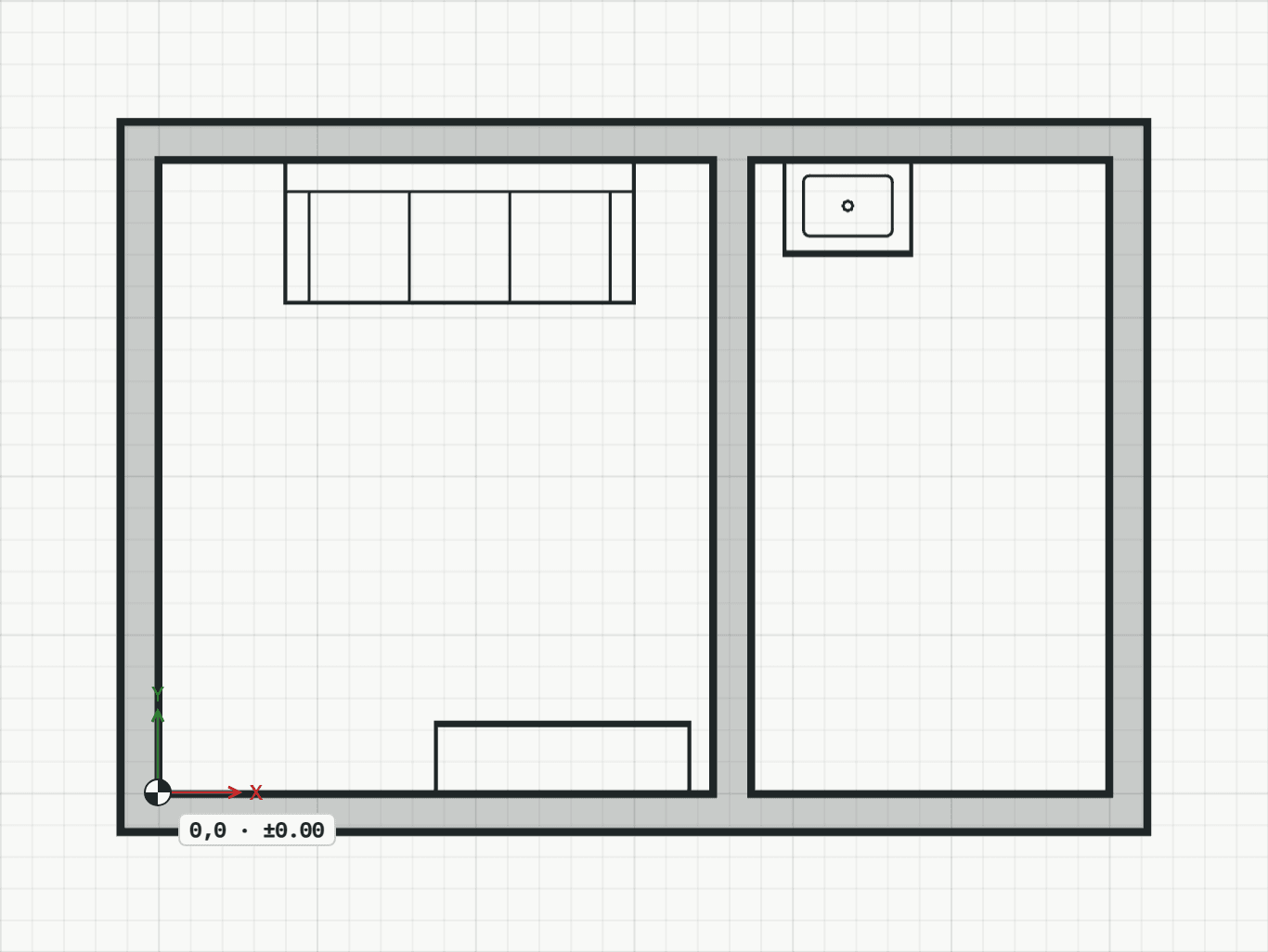
How it works
- Choose the part: while the tool runs, the Properties panel shows the parts as pictures, those placed recently first, with a search above them and “3D” on an object; the Part option on the command line chooses too. Then click the point it goes to, or type it. The part's base point lands there. Near a wall, with “Against wall” on, one click stands it with its back on the wall's face, as a washbasin or a cupboard stands.
- Click the direction its x axis takes, or type an angle in degrees; Enter keeps the last angle. The tool stays on for the next one.
Options
Set on the command line while the tool runs; each starts with the value shown, and what you set is kept for the rest of the session.
- Part
- Fenster: Fensterbank Alu
- Mirrored
- off
- Against wall
- on
- Ausladung
- 180 mm
Keys
- Type BT, then Enter
While the tool runs
- R
- Turn by 90°
- F
- Mirror