RoomR
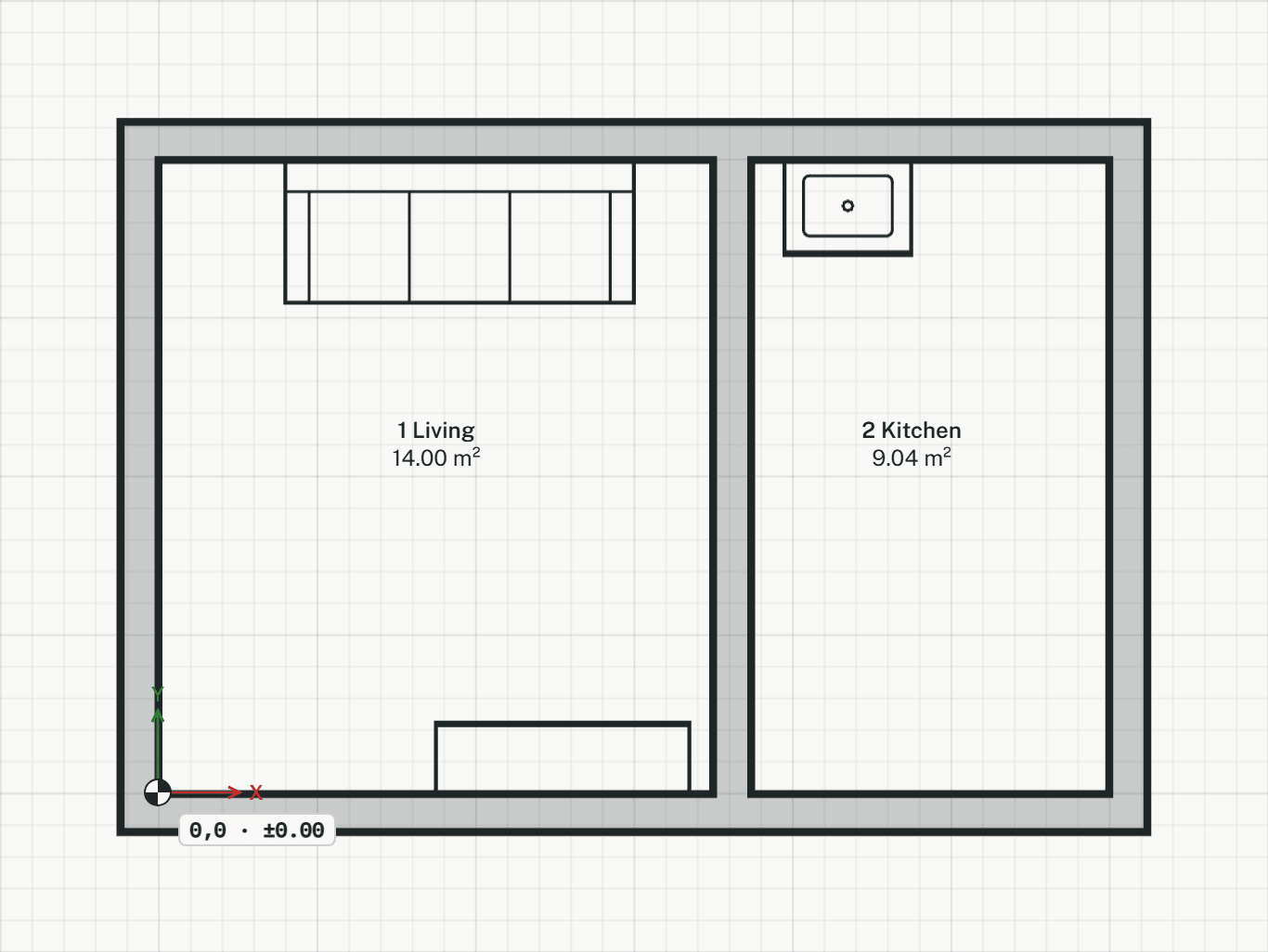
Places a room inside walls. Its boundary and area come from the walls around it, so a moved wall changes the area.
How it works
- Click inside the walls of a room, or type a point inside it as x,y. The tool stays on: each further click places the next room, numbered on from the highest on the storey. Press Enter to finish.
Options
Set on the command line while the tool runs; each starts with the value shown, and what you set is kept for the rest of the session.
- Name
- Room
- Usage
- –
Keys
- Type R, then Enter
While the tool runs
- O
- Draw outline