WallW
Draws walls along the line you click, with one face on it and the body to the right of the way drawn. Each segment is a wall of its own, joined to the one before at the corner.
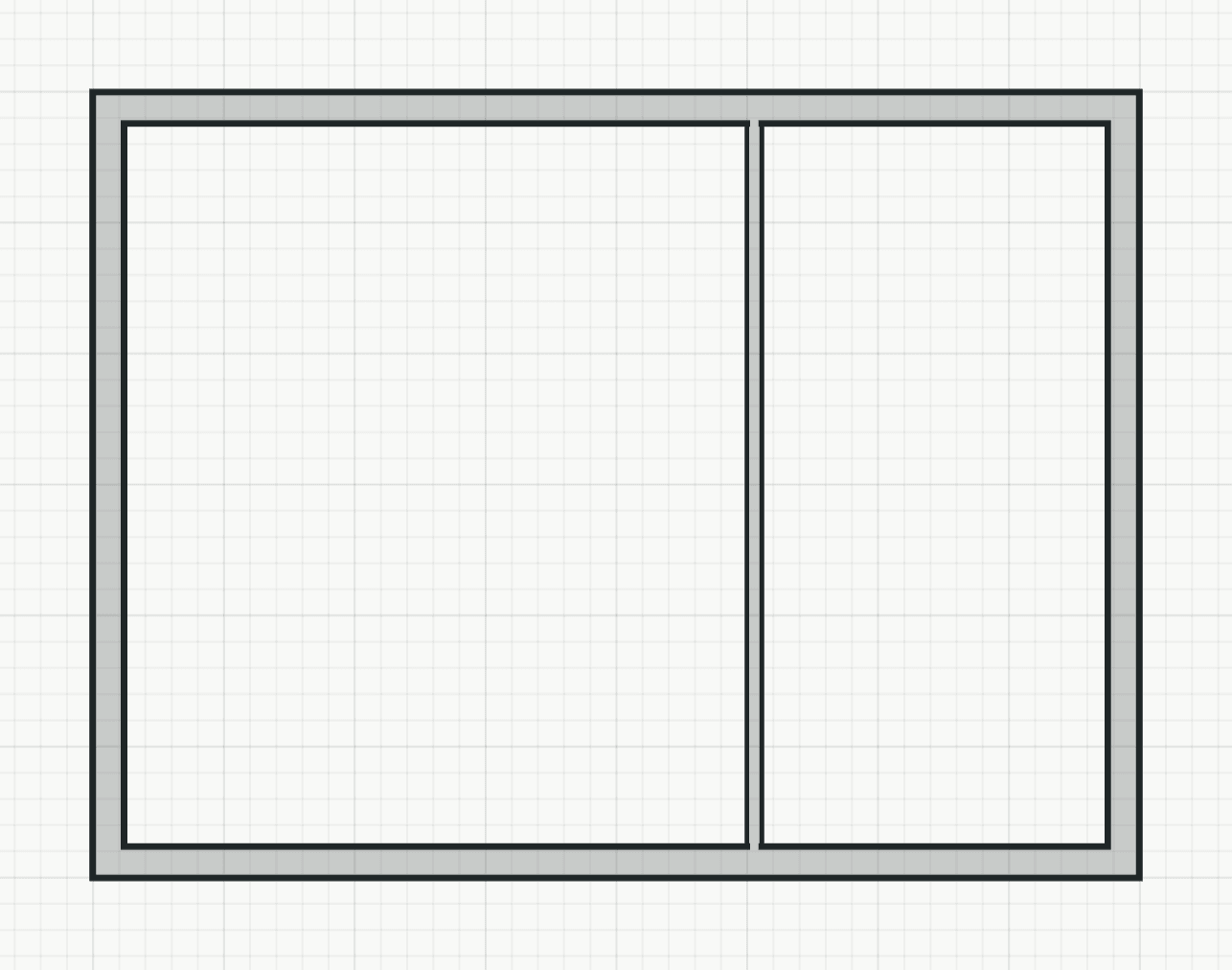
How it works
- Click the start point, or type it as x,y.
- Click the next point, or type a length: it draws that far towards the pointer. The arrow shows the side the wall lies on; F flips it while a face is on the line (not with Centre). The tool goes on from each end point.
- Type C to close back to the start, or press Enter or Esc to end the chain.
Options
Set on the command line while the tool runs; each starts with the value shown, and what you set is kept for the rest of the session.
- Thickness
- 240 mm
- On the reference line
- Left face
- External
- off
- Load-bearing
- on
Keys
- Type W, then Enter
While the tool runs
- F
- Flip side
- C
- Close